
-7%


Modern Boucle Accent Chair Set of 2, with Plush Faux Sherpa Upholstery, Curved Backrest, Solid Wood Legs for Living Room Bedroom Reading Nook, 27.5", Green
Original price was: $328.30.$283.54Current price is: $283.54.

Bedsure Quilts Queen Size - Ultra Soft Queen Quilt Bedding for Modern Farmhouse Bedroom Decor, Lightweight All-Season Comforter, Natural Bedspread Coverlet 90x96 Inch
Original price was: $47.99.$45.59Current price is: $45.59.
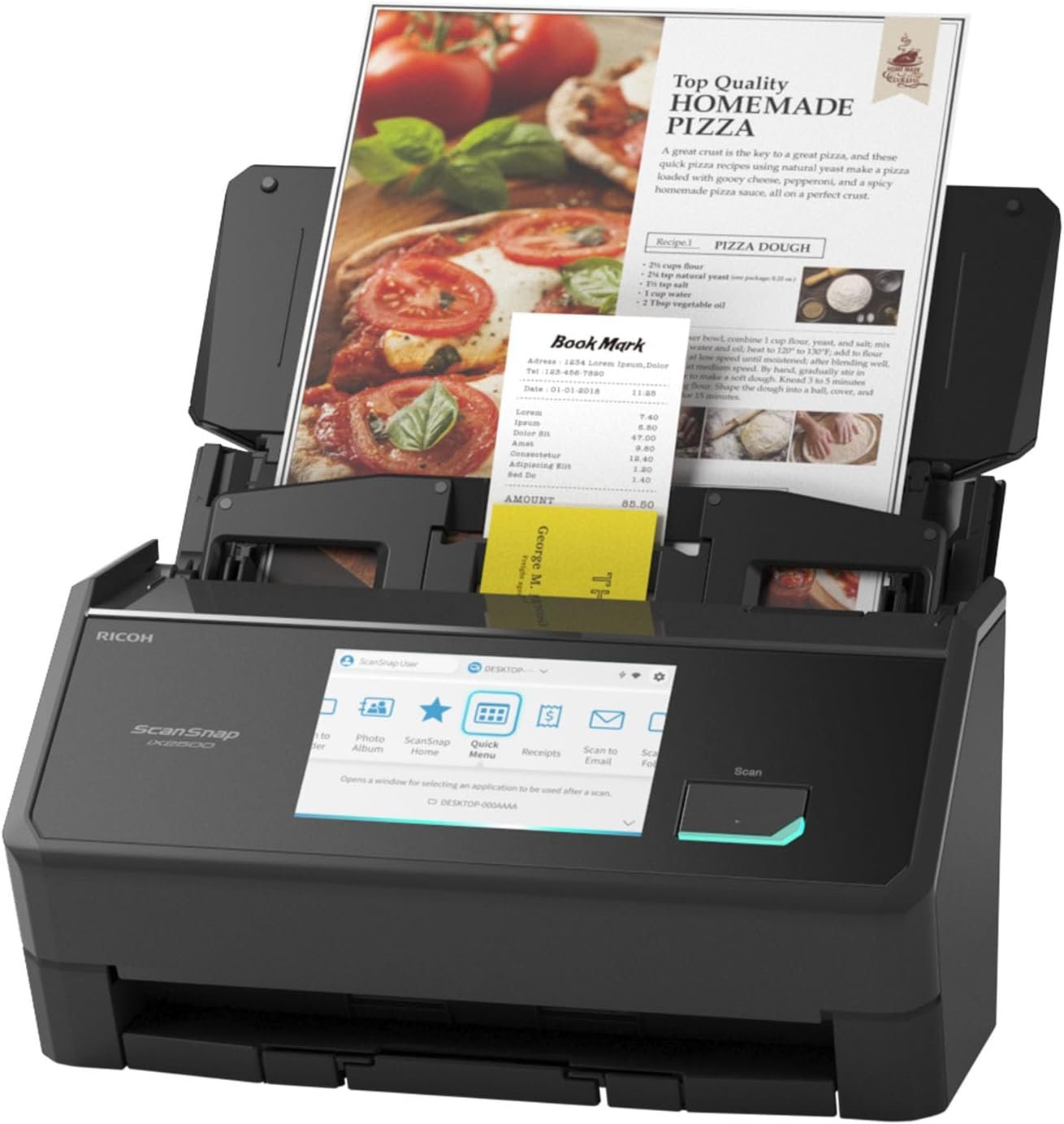
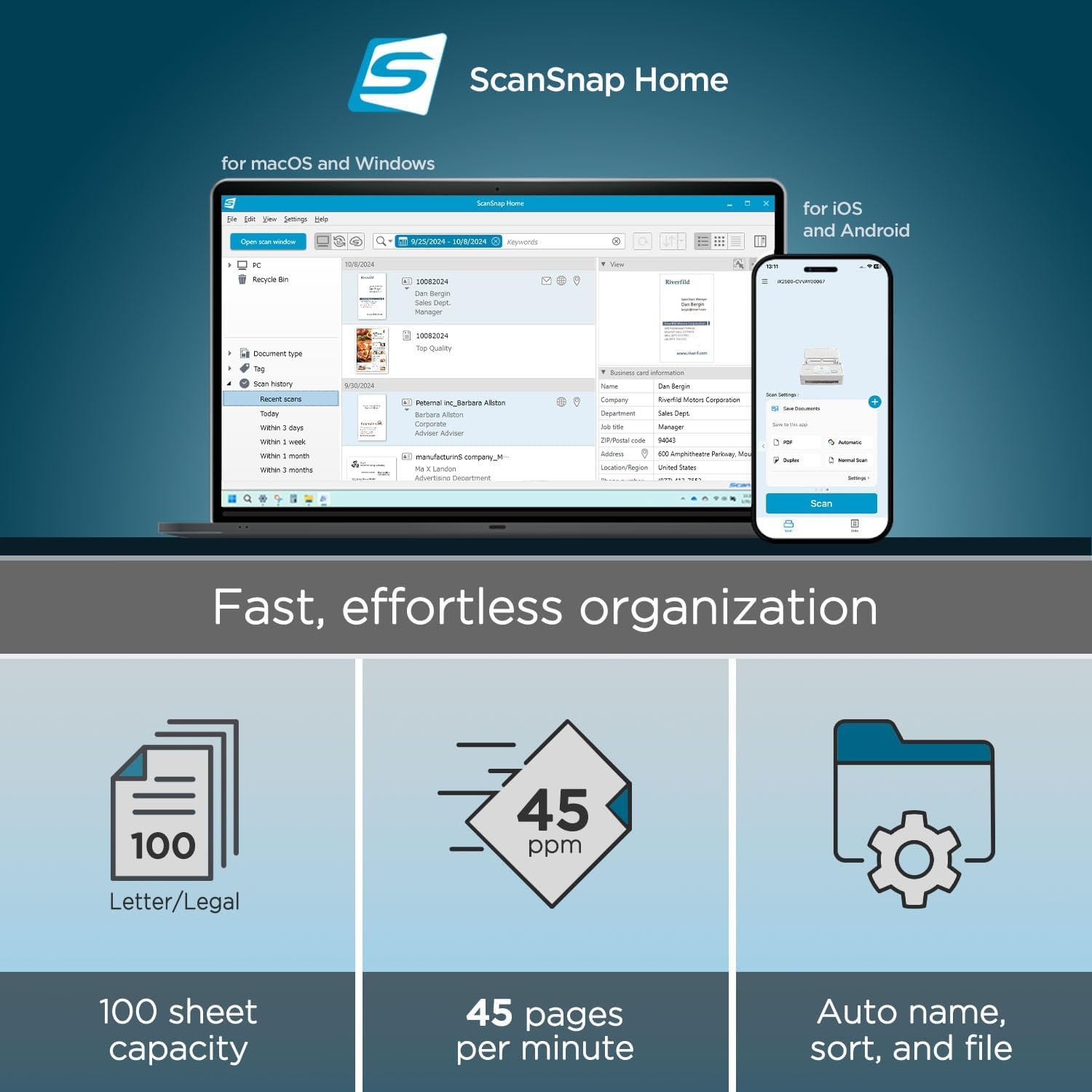
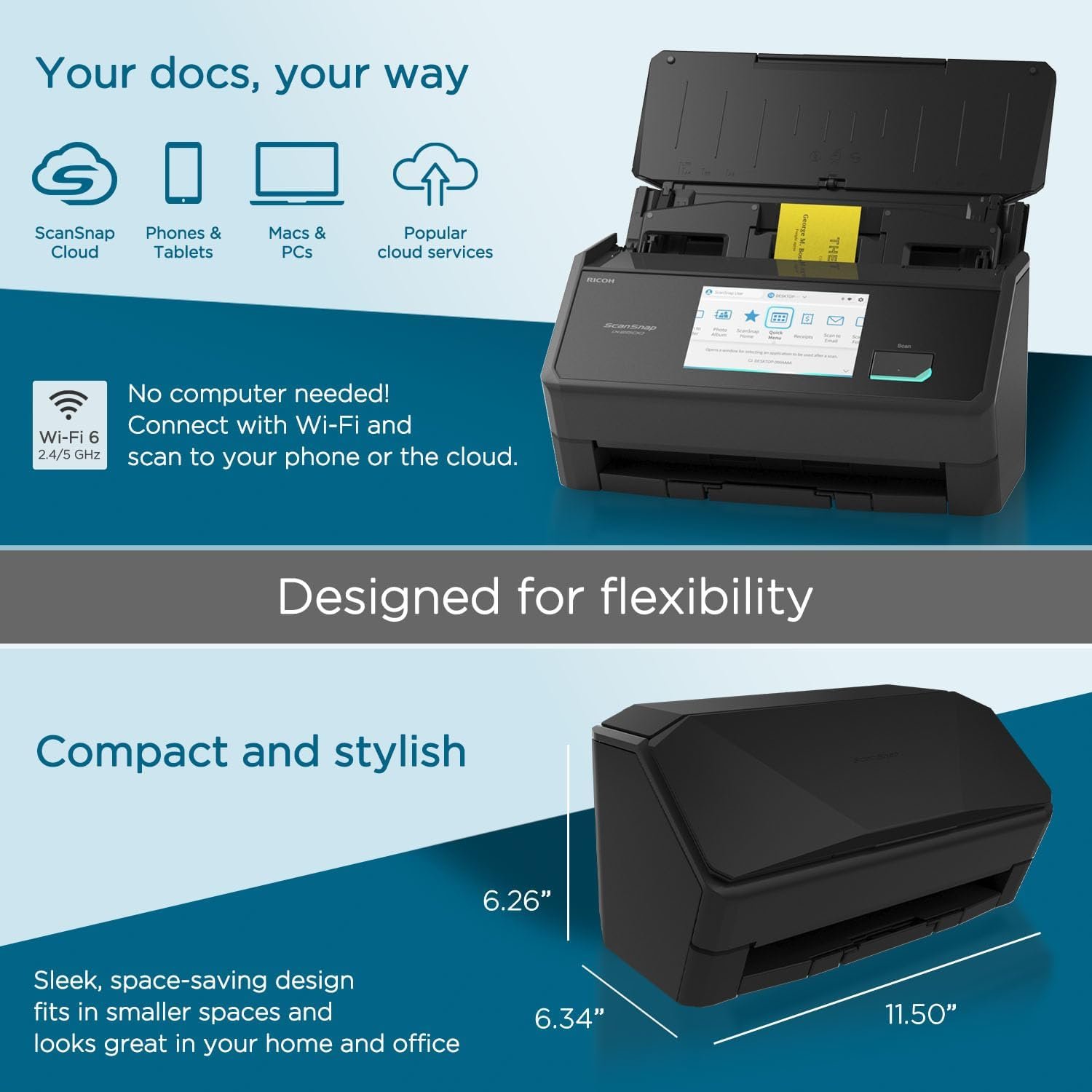
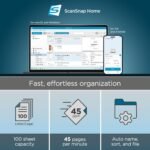
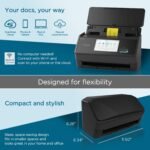
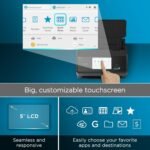
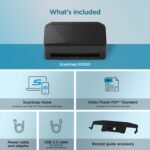
ScanSnap iX2500 Wireless or USB High-Speed Cloud Enabled Document, Photo & Receipt Scanner with Large 5″ Touchscreen and 100 Page Auto Document Feeder for Mac or PC, Black
Original price was: $449.99.$419.99Current price is: $419.99.


Amazon Customer –
ScanSnap iX2500 good replacement for Fujitsu fi-6130z
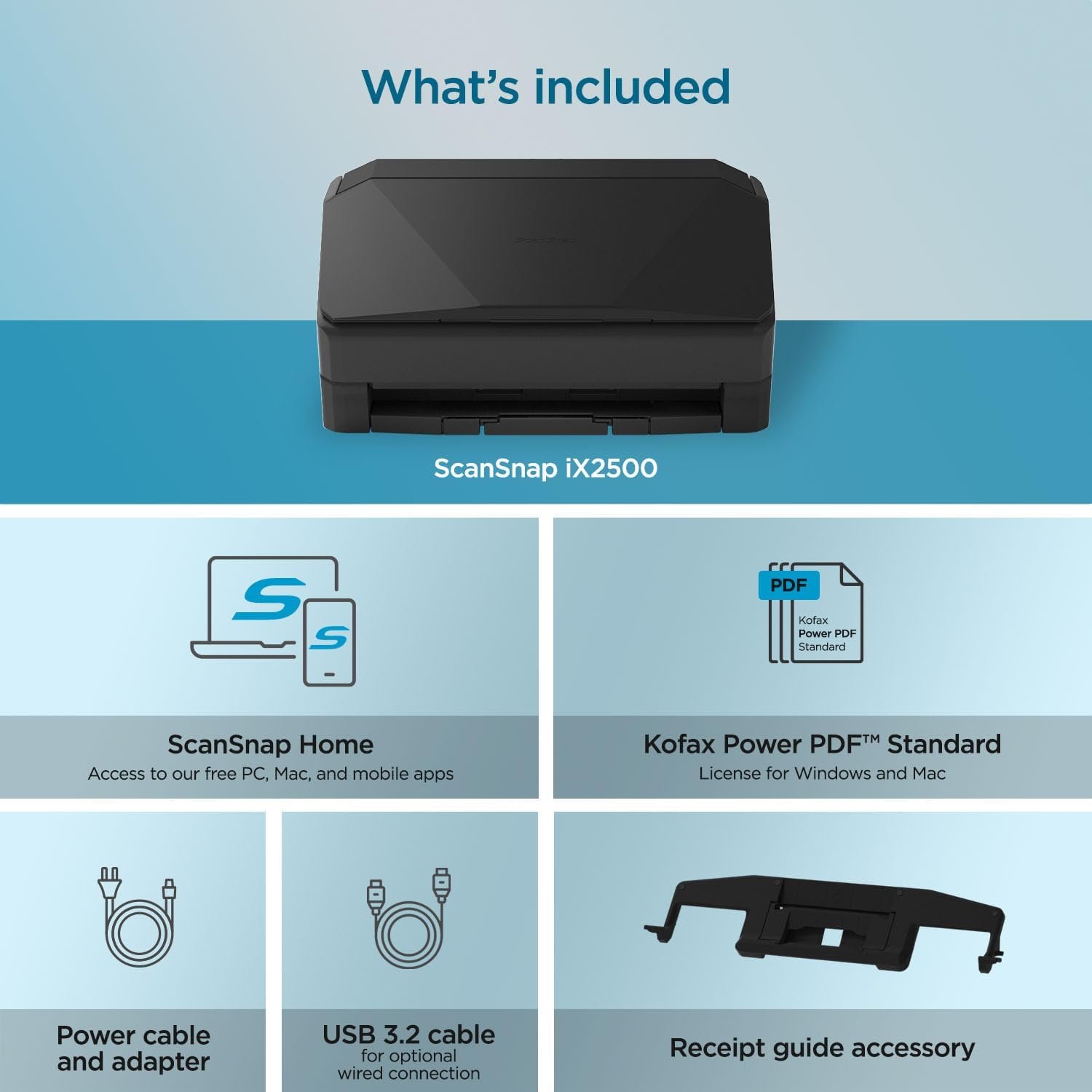
I originally ordered the ScanSnap iX1600 sheet fed scanner but then realized that it was used and would soon become non-eligible for manufacturer repairs. I sent it back and then ordered the ScanSnap iX2500 which is the new replacement for the iX1600. The iX2500 is brand new, comes with full warranty and hopefully won’t become outdated soon. As a bonus, the new iX2500 was priced lower than the iX1600! (I switched to the ScanSnap iX2500 because my trusty Fujitsu fi-6130z is not supported by my recent upgrade from Windows 10 Pro to Windows 11 Pro.)The ScanSnap iX2500 arrived within 1 day and was easy to set up. (Download the installation files from Fujitsu first – you will be taken to a RICOH website via a link on the Fujitsu site.) Setup was easy just by following the prompts on the scanner, but YouTube videos are also easily found and are helpful for novices. I set the new scanner up on my Windows 11 Pro tower this morning and so far no error codes on the computer and the scan process is much faster than the fi-6130z (which I still have connected to my Windows 10 Pro machine as a backup.)I have been using PaperPort since the days of my first HP ScanJet flatbed scanner (mid 1990’s) and the current version is 14.5. Unfortunately, the ScanSnap iX2500 does not use a TWAIN driver like the fi-6130z did, so scanning into PaperPort requires a few extra steps. For those using PaperPort who wish to have seamless transfer of the scanned file into any PaperPort folder, the TWAIN driver can be downloaded as a free trial to insure compatibility with your scanner and then can be purchased at snaptwain.com to get full functionality. Although pricey, this addition is worth it to me.The ScanSnap iX2500 fits nicely on my desk. It actually takes up a little less room than the fi- 6130z. I am using my scanner hard wired with the supplied USB cable, but wireless connection to your network and integration with smart phones is an option during setup and doesn’t look complicated.Scan quality is excellent whether using the downloaded ScanSnap Home software or PaperPort 14.5. Photo image quality is excellent and the speed is much faster than what I have been used to. I also installed the free ABBYY FineReader PDF / OCR software downloaded from the RICOH website, but have not had a chance to try it yet.
ljsb –
Could not be happier! Amazing machine!
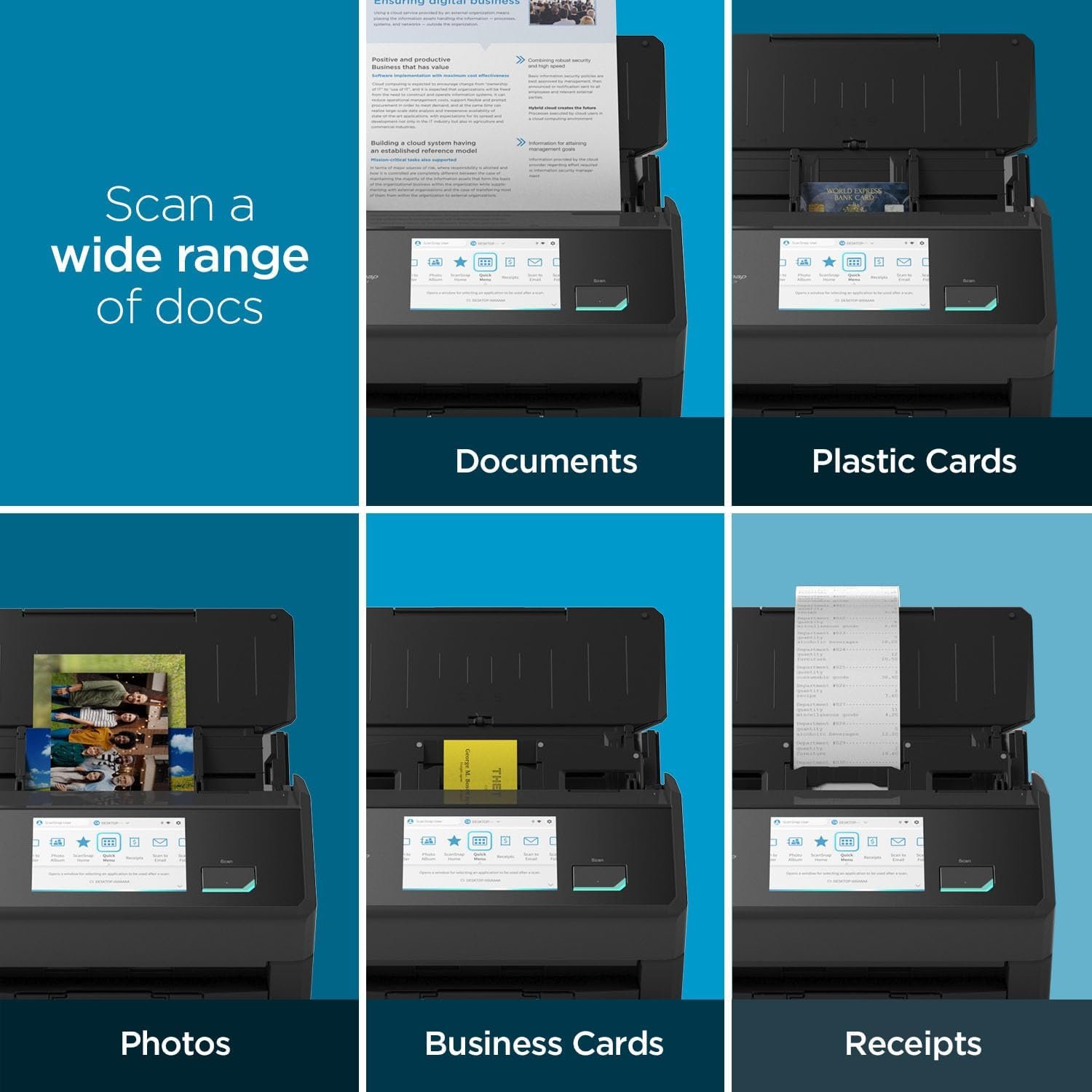
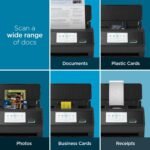
I was really surprised at all the high praise this machine got, so I ordered it. No disappointment here! It was up and running so fast and easily connected via Bluetooth! Amazingly excellent instructions! Incredibly intuitive! Works like a charm! I haven’t been this happy with a new electronic device for 30 years! Both mechanically and electronically, works the way it should! Scans receipts, documents and photos equally well. Color quality of photos way better than my previous scanner. When done, it folds up into a tiny footprint on your desk. Wow! WOW! WOW!!!
philbw –
Incredible Scanner
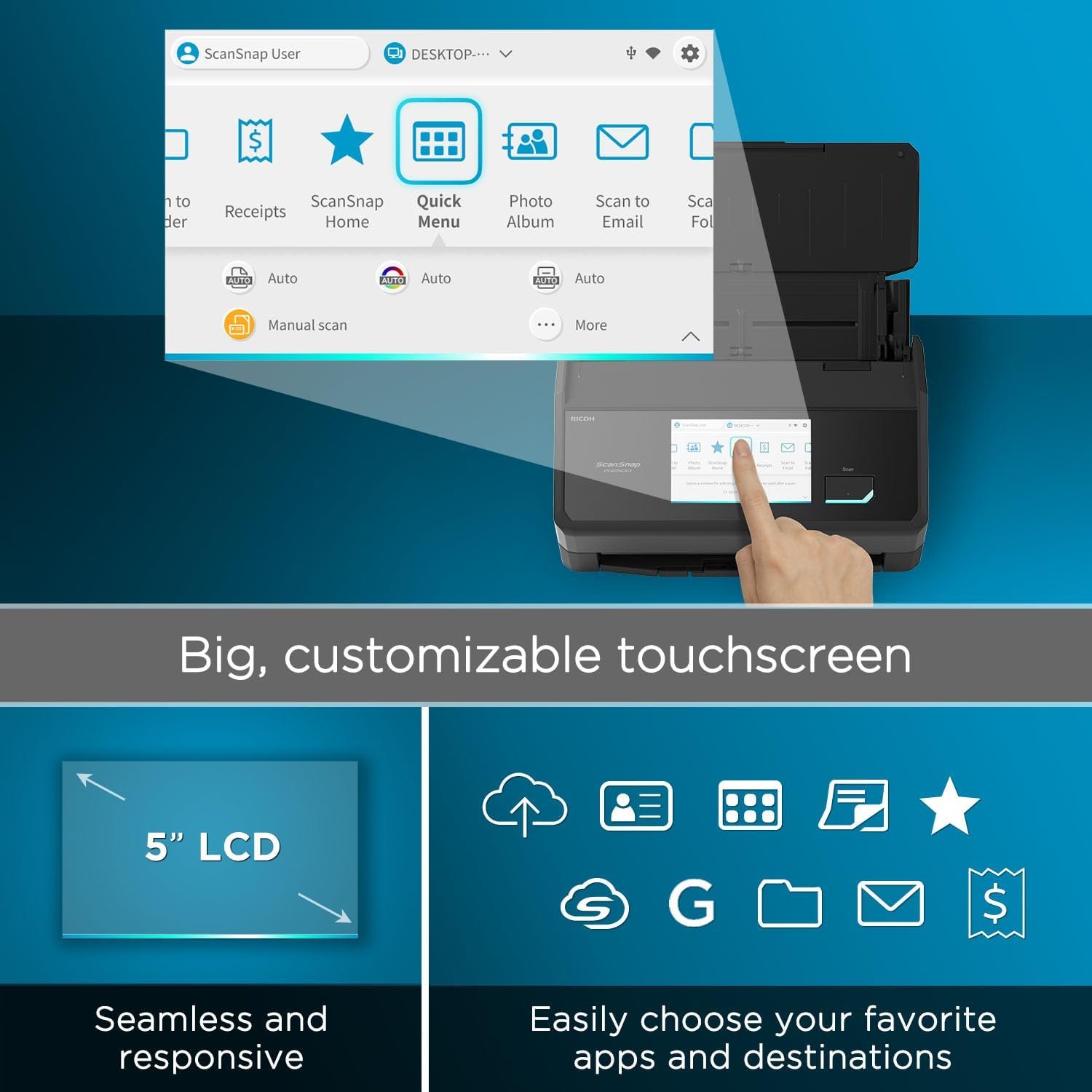
If I could give this scanner 6 stars I would. I have experience with Fujitsu scanners. Our company has had two humble ScanSnap S1500s in service for over a decade, each having scanned 50,000+ documents on all original parts (and still going). We also experimented with a Fujitsu N7100 network scanner (I think we paid $1700 for that scanner new). I like this scanner better than all of them.First of all, the old S1500s only worked with ScanSnap Manager and the older Fujitsu software. This one works with both the old software and their flagship ScanSnap Home software. I honestly thought I’d hate the new software and was planning to just use ScanSnap Manager again. I begrudgingly gave ScanSnap Home a chance and I must say, it’s substantially better. First of all, the older software was made up of multiple parts that all had to work together. ScanSnap Home has one clean interface that acts as a document manager, a scanner config, and so on.The flexibility is where this thing really shines. At first glance the touchscreen appears to be laid out how they think you’ll want it. In reality you can customize every button, change it’s icon, change it’s action, etc You can have ScanSnap Home manage the docs or have it scan elsewhere and not even show the document in ScanSnap Home. I have my scanner setup here at home in a dual role. I use the default ScanSnap Home button to scan to my local NAS (as a directory on my computer, not direct [more on that later]) . I have other buttons that scan to various OneDrive locations that sync with SharePoint. For those documents it just scans direct, and I don’t have it showing on my computer. Everything just works perfectly.Setup was a breeze. I initially set it up with a USB cable then decided to put it on the Wifi just for fun. I figured I’d setup the mobile app but never got around to it. Then one day the USB cable was unplugged and I went to scan something, not even thinking about it, and it just worked. My computer found the scanner over the network without any additional configuration. Even over Wifi and uploading to either my NAS or OneDrive scanning is pretty much instant. I’ve scanned 50 page documents and after the last page went through it was fully OCR’d and available to open within about a second.Here’s the only downsides (which I didn’t dock points for because this is not an expensive scanner by comparison). Although you can (with a firmware update) scan direct to a network share without the use of a computer the scanner doesn’t perform any OCR on it’s own. Our expensive N7100 could perform OCR on it’s own but honestly it was slower. To really leverage this scanner’s true capabilities, you should use it with a computer. The ScanSnap Home software is able to perform OCR on the incoming documents faster than anything I’ve ever used. On that note, you do have to check a box in the settings for the PDF files to actually have it save the PDF as searchable.My suggestion for when you get it is to bypass the manual altogether and just dive in. Pretty much everything is self-explanatory. If you go to Settings / Scan Settings in ScanSnap Home you’ll be pretty much good to go.
Oscar –
Es mi primer escáner de esta marca, eh usado otros de la misma marca pero ya modelos pasados, pero su versatilidad en su programa para escanear en muy sencillo de aprender, anteriormente escaneaba con mi impresora, gran cambio con este equipo, ahorras mucho tiempo.
SHAJI MOOSA –
Very very useful. Save time . Very fast and accurate
Jackson carpenter –
Ordered from Amazon AU – came with US power plug…. ??
Vincent Ong –
The scanner works perfectly well. Fast and simple to use.
Llego antes de la fecha indicada y la instalación no fue complicada, fácil de usar y un excelente desempeño, muy buena compra 👍🏼 –