
-50%




Outdoor String Lights 25 Feet G40 LED Patio Lights, Plug-in, 13 Plastic Edison Bulbs(1 Spare), Waterproof Connectable Hanging Light for Backyard Porch Balcony Party Decor, E12 Base, Black
Original price was: $17.89.$15.88Current price is: $15.88.

Black Happy Birthday Table Runner, Colorful Balloon Kitchen Dining Table Decoration Festive Balloon Design for Birthday Party Decor 13x72 Inch
Original price was: $9.99.$7.99Current price is: $7.99.
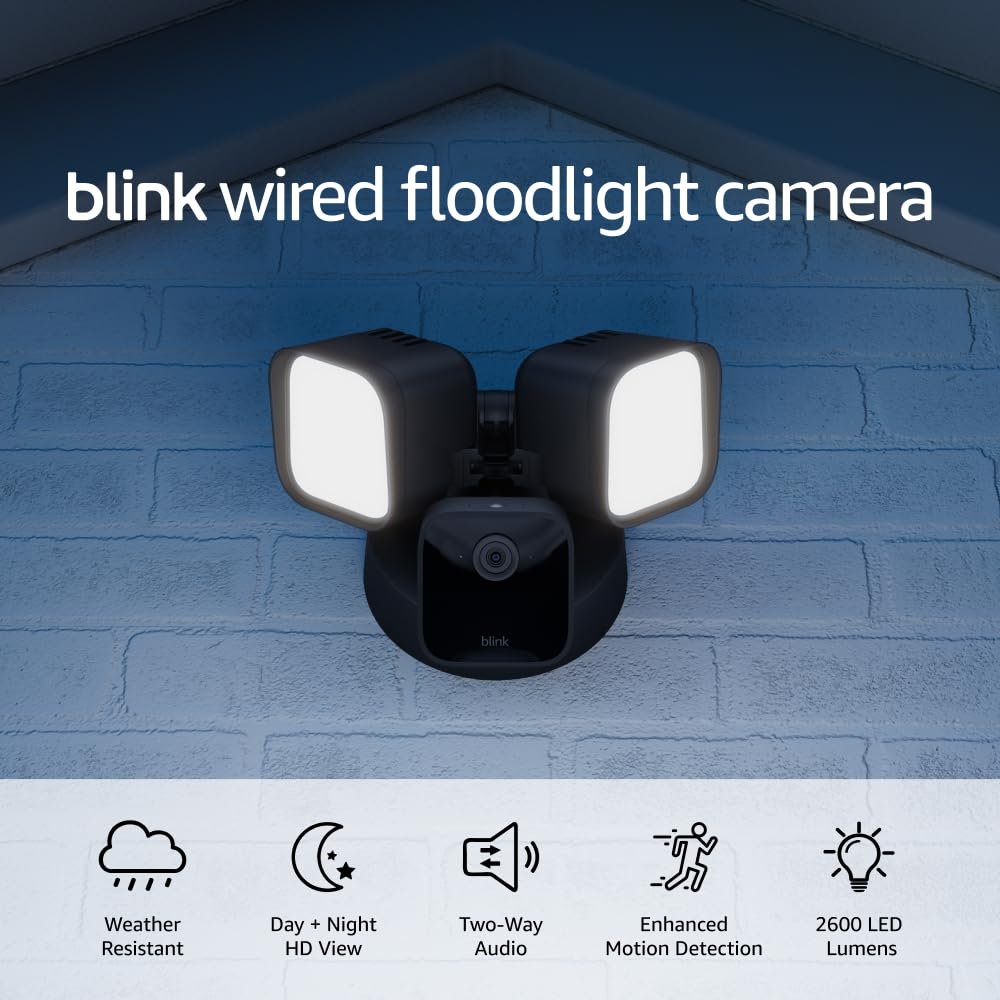
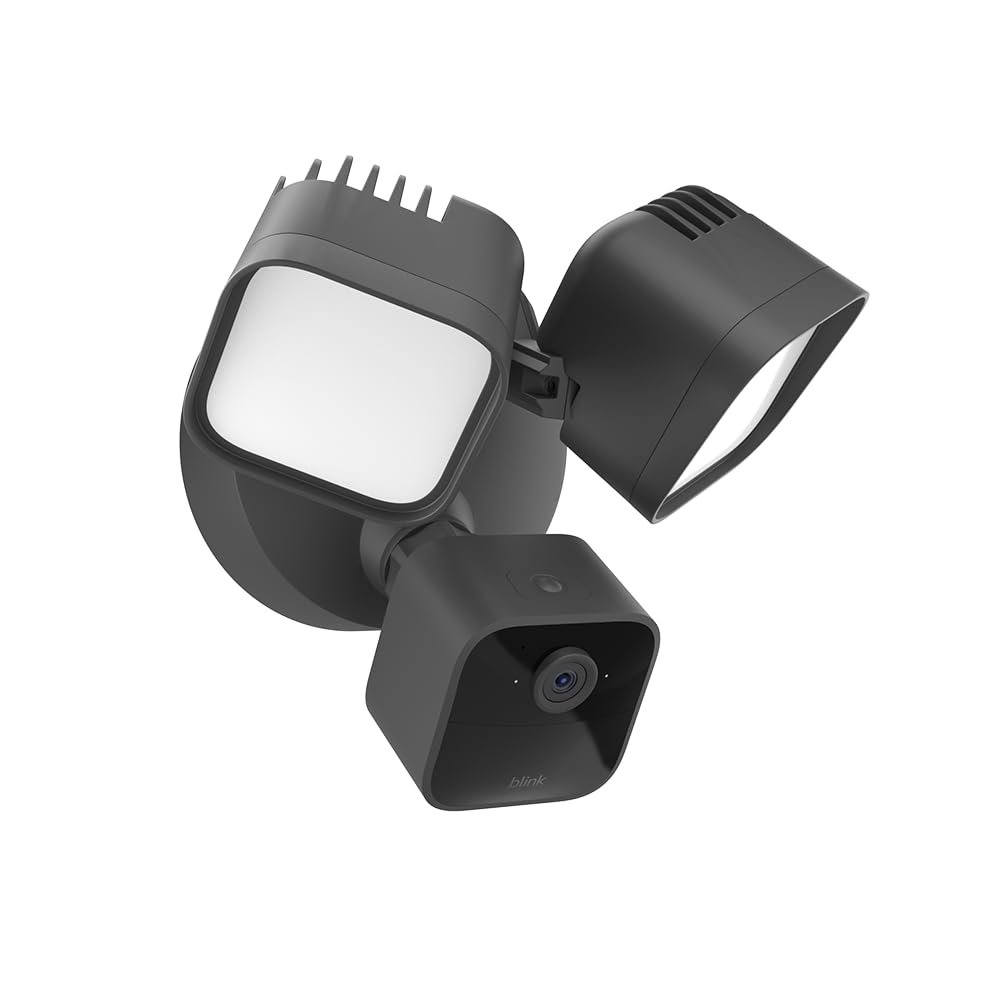
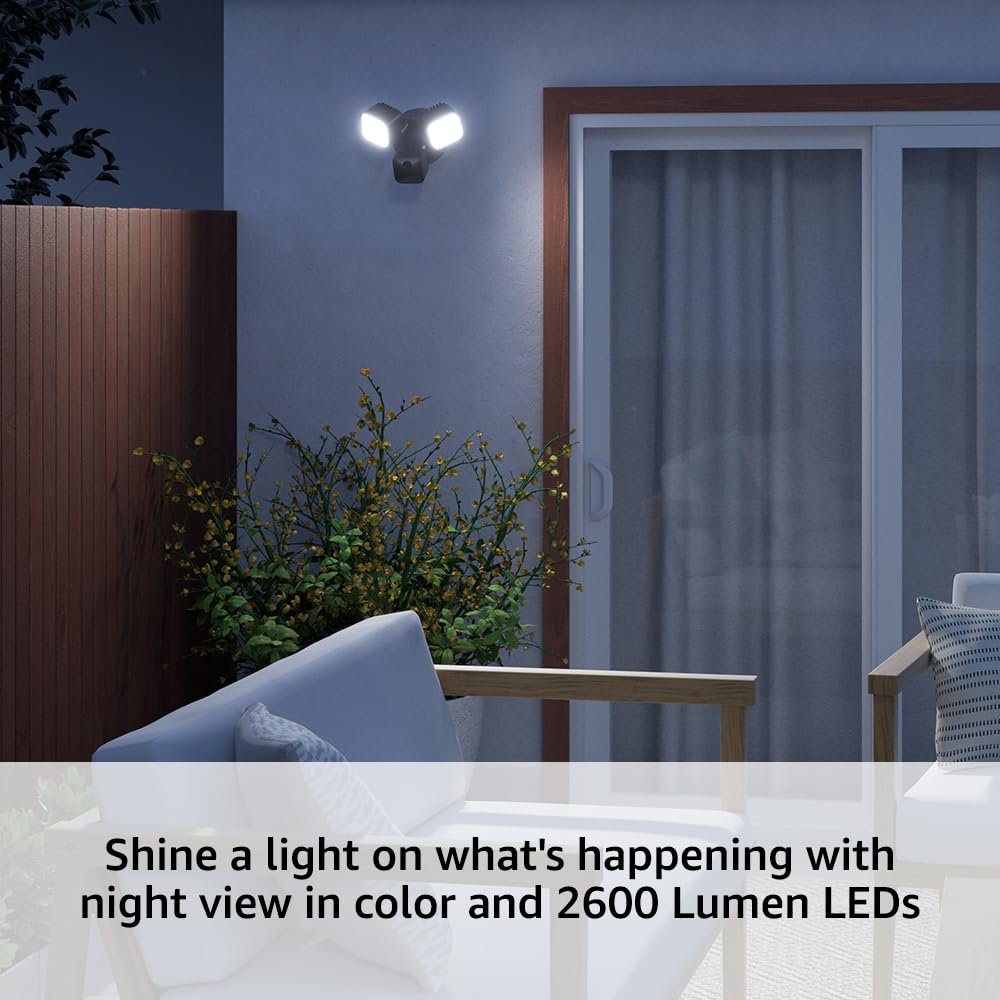
Blink Wired Floodlight Camera – Smart security camera, 2600 lumens, HD live view, enhanced motion detection, built-in siren, Works with Alexa – 1 camera (Black)
Original price was: $99.99.$49.99Current price is: $49.99.




AliciaTheGreat –
Blink Wired Floodlight Camera for your safety
BLINK Wired Floodlight CAMERA is a Buy the Subscription Plan too it is to your advantage for your Blink products. great quality product because the clarity is superb:) It was easy to mount and the overall connection was sample by following Blink instructions. I got this Floodlight Camera free with the yearly subscription plan and that was the best part about it And you can add all the Blink Cameras under the same plan . It takes beautiful pictures and the floodlights are amazing brighter than any other camera I’ve ever had . LOVE IT:) Thank you Blink 🙂 You are a permanent part of my Safety in my home . This photo was in the afternoon hours . During the night owl hours the floodlights turns on beautifully:) Great Camera that actually works well. You will never have to worry about your safety again because Blink mastered it all:) I love it . I still need to buy three more to include accessories. Please buy all new cable box too . Thank you AliciaTheGreat August/ September 2025.
Penny P. –
installation…. Easy as can be.
First of all I am 75 years old. So, if I can do it so can you. I did not have an electrical box in the area of install so I bought one on Amazon with next day delivery. All that took was 2 screws. The rest was so simple using the enclosed hanger to hold the fixture while installing. Everything needed was provided. Connect the white wires, connect the black wires, connect the green ground, use the female screw to tighten it all down put the cover plug in and you are done. Go to your Blink app, which I already had, click on the + sign at the top, locate the fixture, add it and you are done. If I have one minor criticism it was trying to figure out how to implement the siren/alarm from my phone blink app. After using Rufus, which is useless, I finally stumbled upon the answer with FAQ on the blink web site. To save you the hunt you have to go to the live view and there you will find to activate the siren/alarm. I have been using Blink products for several years now and upgraded to the most recent sync module because I wanted to install the Blink doorbell/camera and the outdoor light fixture. There is also a dusk to dawn light option with the outdoor light fixture. You can also adjust the brightness of the lights and believe me they are plenty bright. Would highly recommend to family and friends.
*A$H* –
Great camera with a good app
So far, so good. I bought 2 after the 1 we had randomly stopped working after around 2 years of it working flawlessly. Love the app and how easy the setup and everything is with this camera. Its great at notifying u when someone or something triggers it. The floodlight on it is exactly that! It lights up the entirety of our front and back yards! Its almost too bright!
Mike –
Excellent for the price
***updateSo recently I have notice the setup challenge that me and my father had been experiencing seems to have gone away. The cameras seem to setup with out a hitch now. I am wondering if blink did some sort of firmware upgrade I do not know.However I still can not give 5 stars. We ran into a problem on one of the flood light cameras that he has purchased. Normally this be no big deal but blink stone walled him on getting a replacement camera. Even though the camera was only a few weeks old and he is paying subscriber. They spent hours upon hours on troubleshooting a issue that was an obvious hardware failure. In fact it took me to drive a hour to his place and get on the phone with blink and him and for me to argue with the rep to get them to replace the camera. Even then they sent him what appeared to be a open box or refurbish camera that had issues right out of the box, which he spent hours arguing with Blink on the phone. Once again I had to drive a hour up to his place and argue IT lingo on the phone to get the rep to replace the defective replacement. Even then he had to get amazon involved. Once the amazon rep made the call to blink things seem to change quickly. What gives blink if a camera does not work and its under warranty and you have a customer paying for subscription you should be a little more respectful of the situation.Come one blink help get to where I can give you 5 stars!!! I want to believe you are a cost effective security solution. Me and my father are talking about using these in one of his physical store fronts in his business. That is a purchase of 25 cameras solid. Make us life long customer by getting your customer service together!***original Review:I purchased this flood light camera for my father. He’s been looking to get a security system that can easily send him updates over his phone. Instead of a system that just simply records on site.The camera and flood light is good. The floodlight is very bright and lights up a large area around where it’s stalled. I would say it lights up about at least 50 ft, if not more from where it has been installed. It records very well, it has made it through several rain storms since he’s installed it, and it gives him some a sigh relief knowing when he’s at work everything is good at home.My Only complaint and the reason why I can only give this camera four stars, is it’s glitchy app that sets up blink cameras. It’s very difficult to get any blink device to easily communicate with a home Wi-Fi signal. I have a blink camera installed on my home, and my father has purchased several different types of blink cameras, since I provided him with this one. Everyone of them is a challenge to setup. It has nothing to do with understanding the setup. The instructions are simplistic, and the ideal behind setting them up is simplistic. But when it comes to your camera tying in to your local Wi-Fi the challenge begins.No matter what you do it seems it will take up to 15 to 20 if not more failed attempts before a camera can enjoy your local WiFi network. For someone you like me that has an IT background it can be easily overcome. For some one like my father who does not it this is a real frustration and makes him feel like the devices are not good quality. I have to reassure him several times, the cameras and the service is great, there’s just some challenges with the app communicating with your local Wi-Fi. This is the reason I can only give four stars for these cameras.If there was the way to ensure they were able to communicate with your local network easier during setup, five stars would be guaranteed for the system. I hope blink continues to work on this.