















MIULEE Pack of 4 Couch Throw Pillow Covers 18x18 Inch Neutral Soft Decorative Chenille Pillow Covers Farmhouse Boho Cushion Covers for Mid Century Modern Home Decor Sofa Bedroom Living Room
Original price was: $22.99.$10.00Current price is: $10.00.

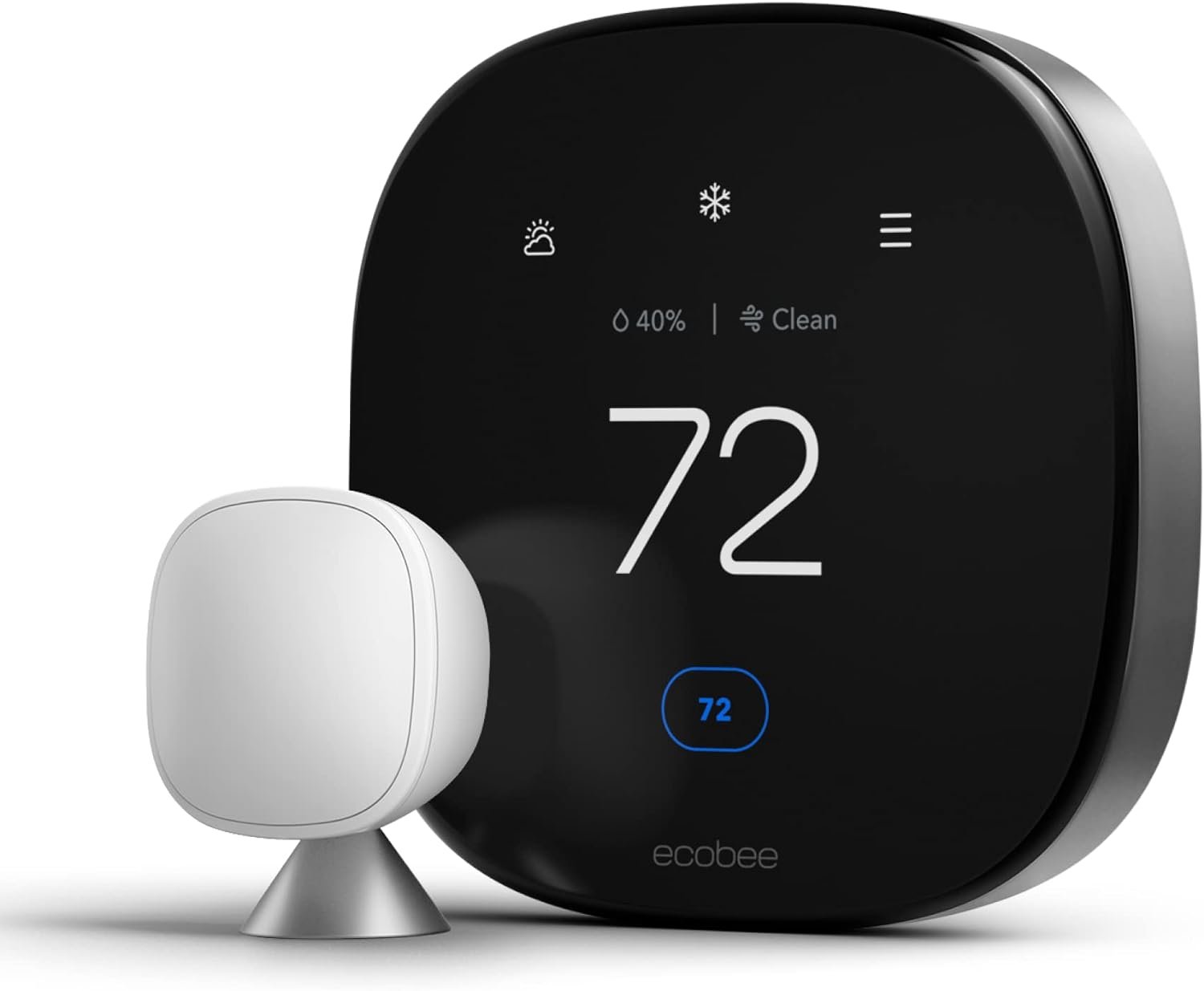
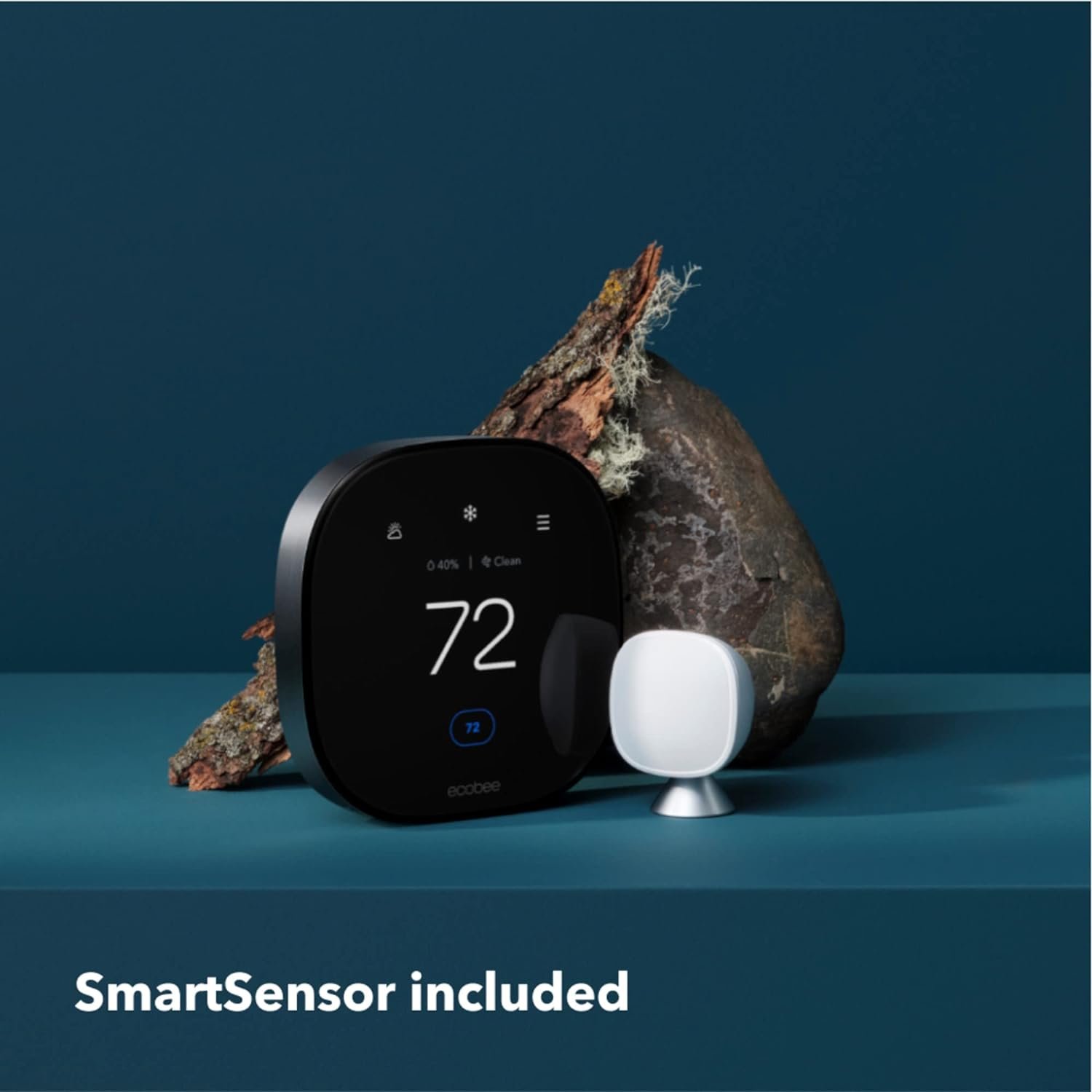
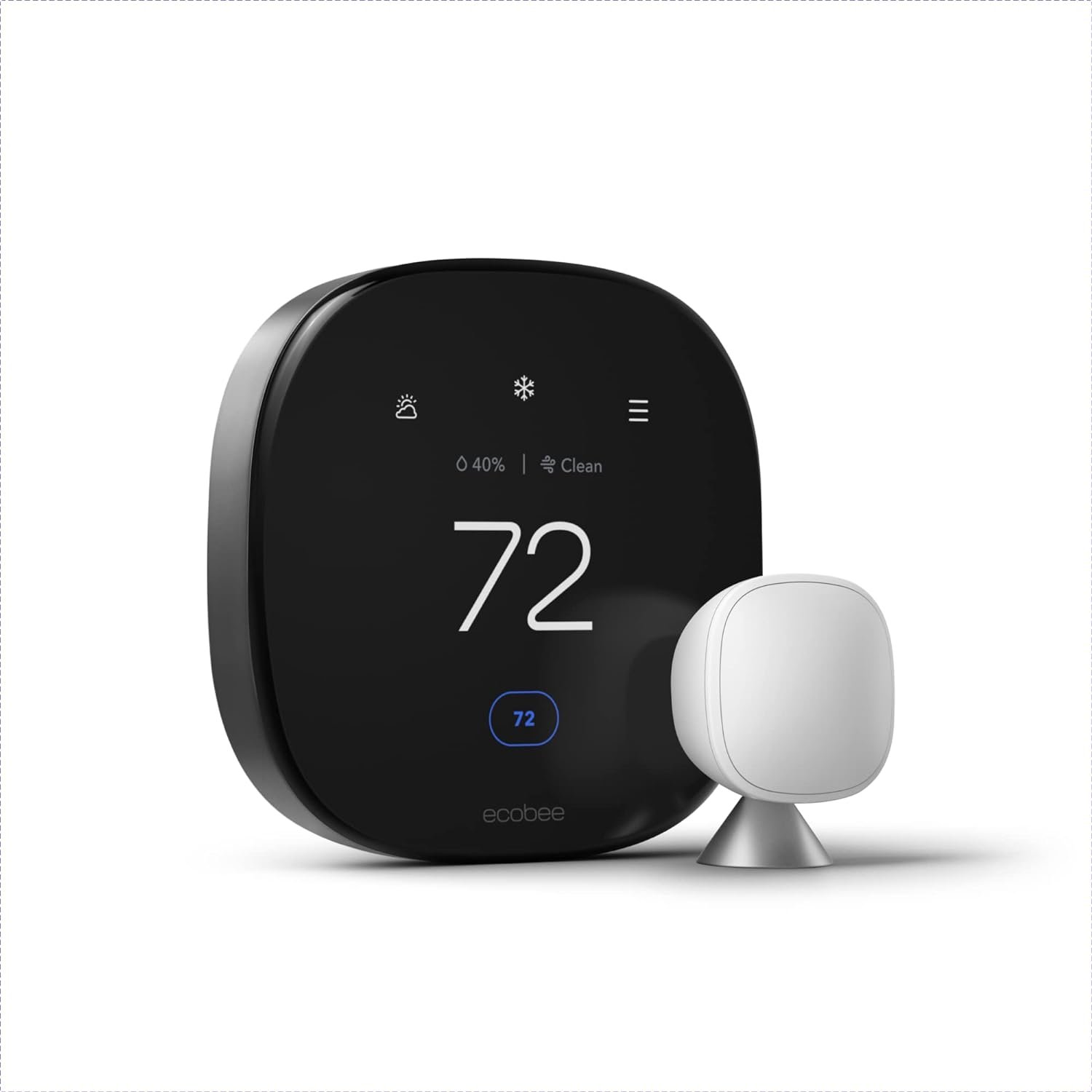
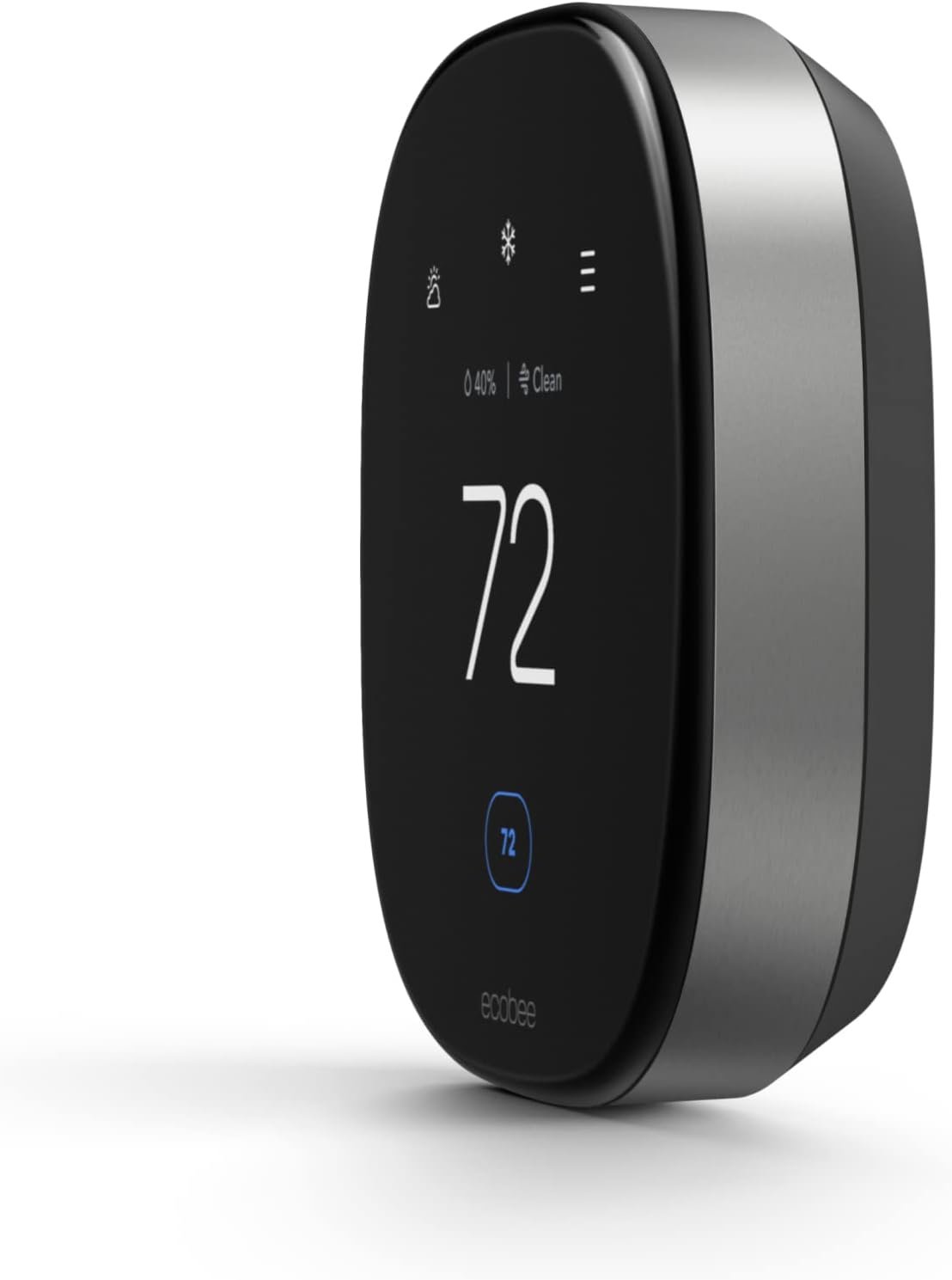
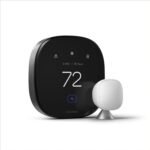
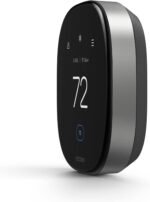
ecobee Smart Thermostat Premium with Smart Sensor and Air Quality Monitor – Programmable Wifi Thermostat – Works with Siri, Alexa, Google Assistant
$252.99






Erik B. –
Awesome thermostat, glad to be rid of my Nest
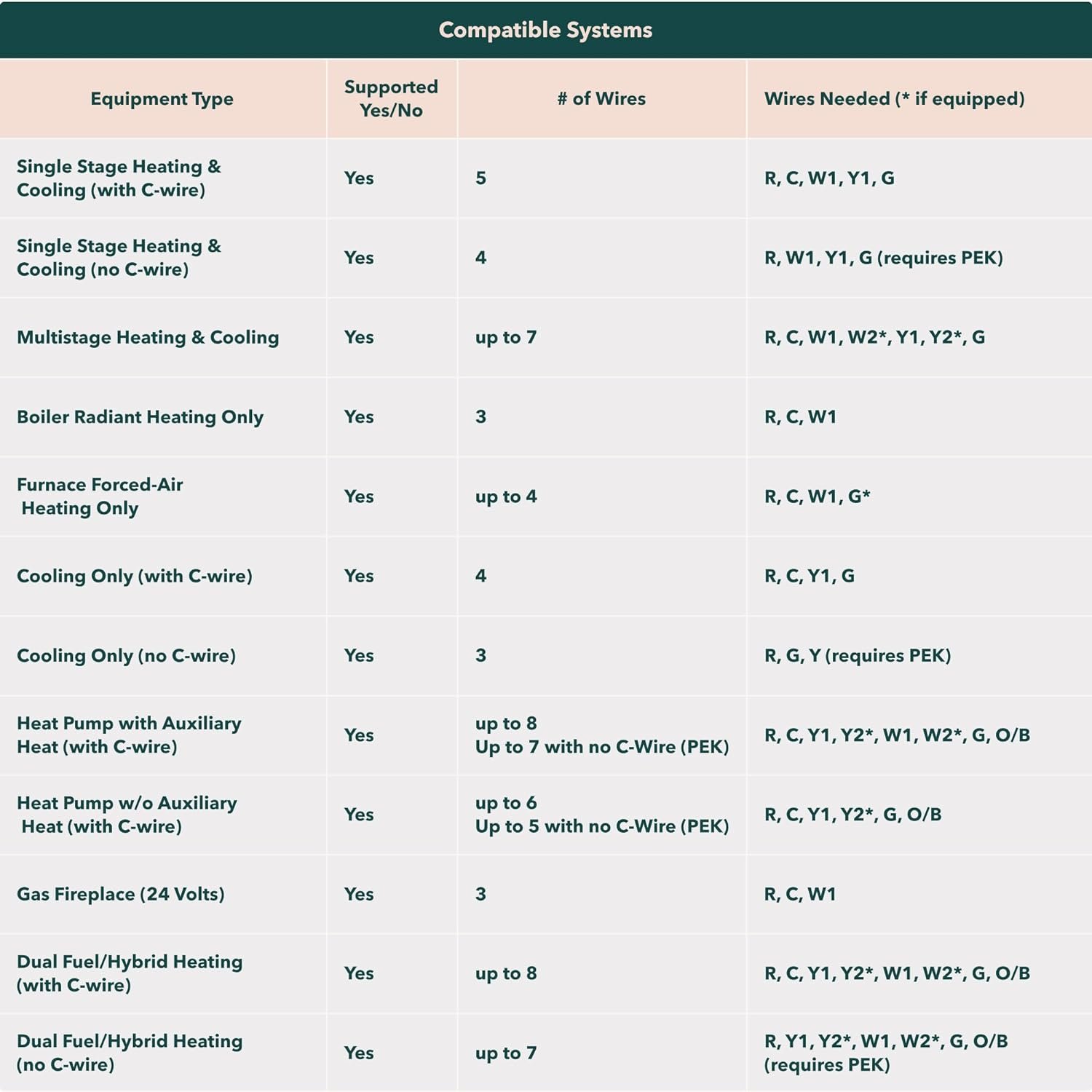
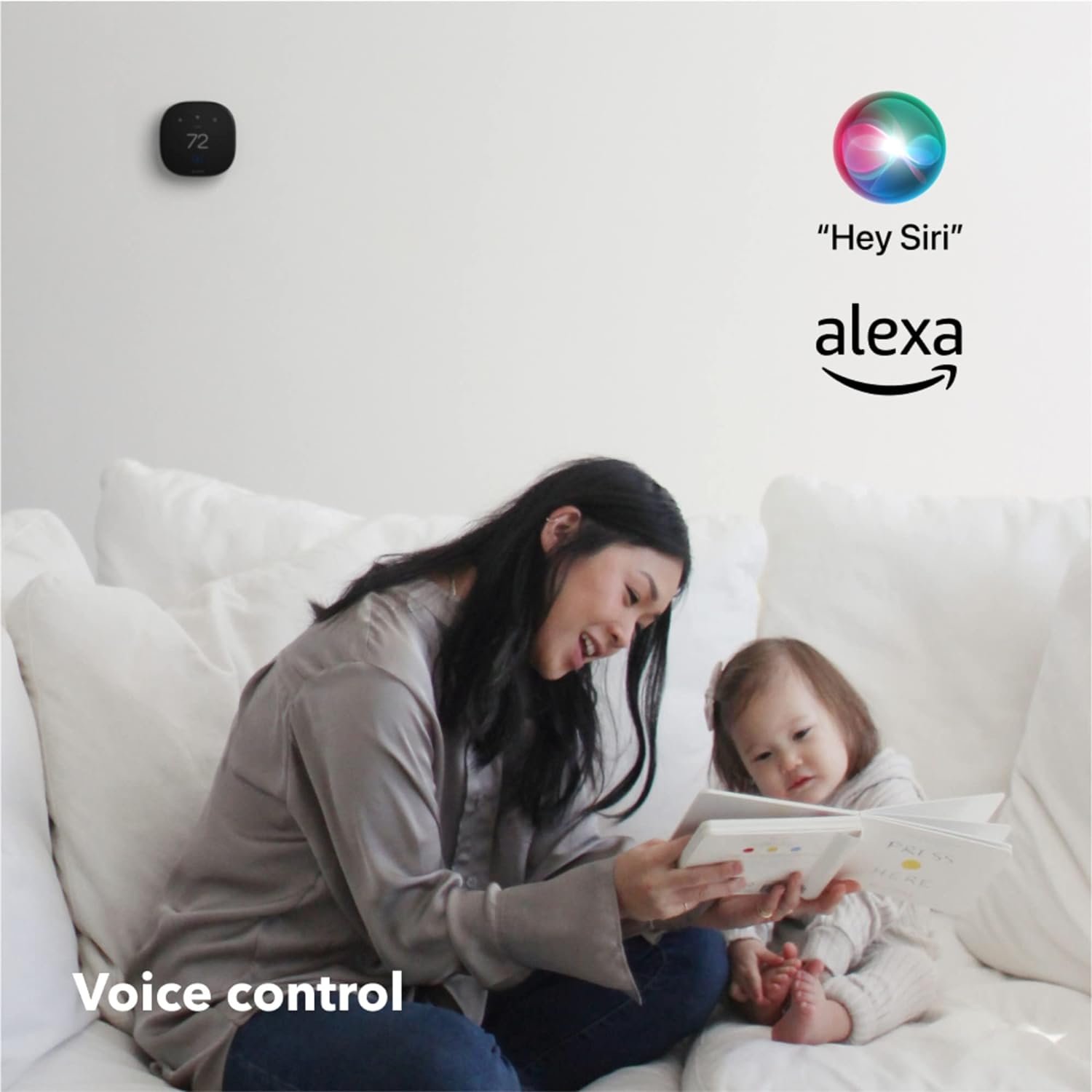
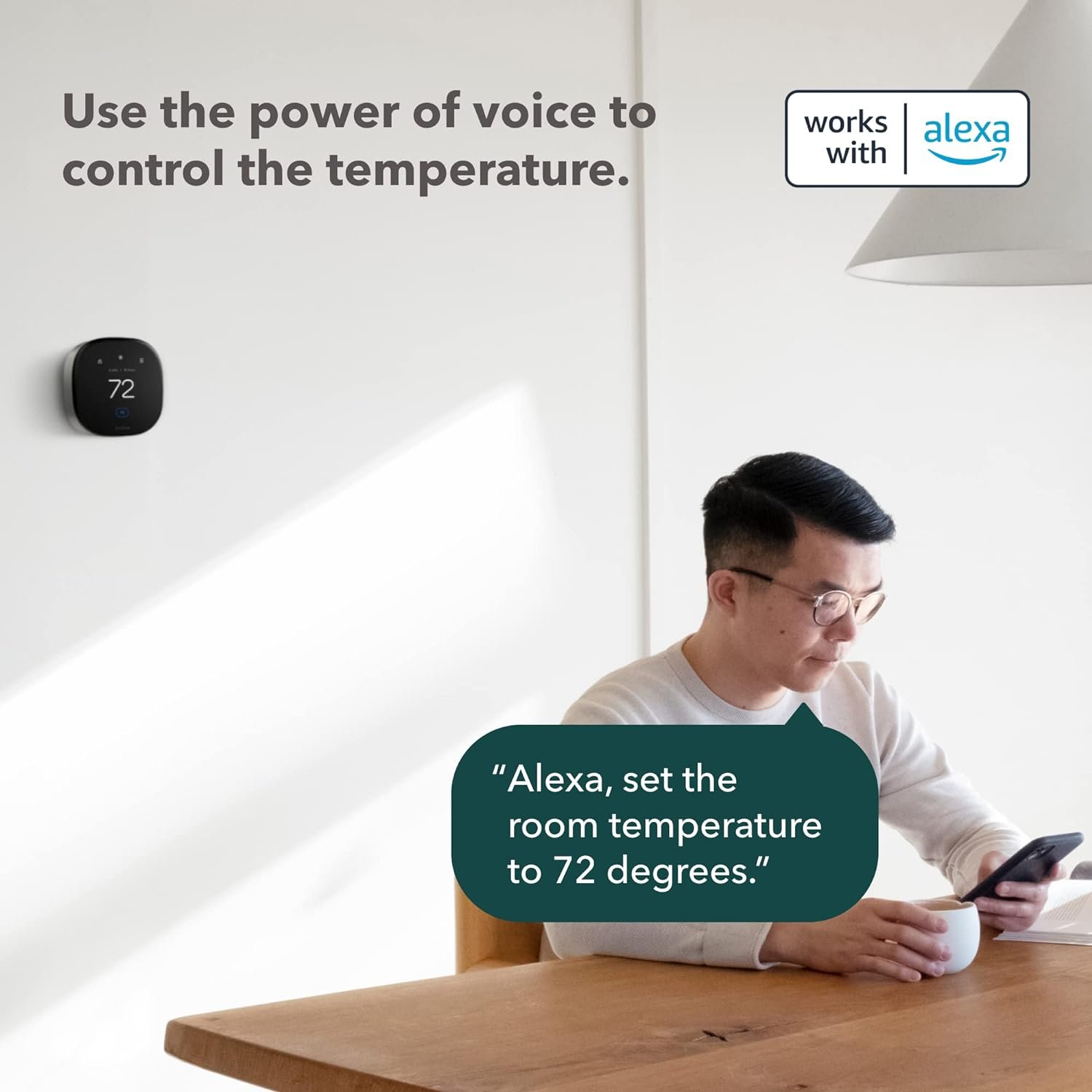
I’m about a month into using the ecobee Smart Thermostat. This thermostat does everything I wish my Nest had done, with a surprise. Read until the end!You can skip this paragraph if you want to just read about the ecobee thermostat. I’m not new to smart thermostats. My first smart thermostat was a 3M Filtrete. Not a lot of features, but it worked well. I had a Nest several years ago and left it with my previous house when I sold it. Had a Honeywell thermostat for a couple of years, and it was OK, but had some quirks. I thought maybe I’d like the new Nest better and tried one for about 6 months, but hated incompatibilities and a super poor user interface. Plus I wasted over an hour before I searched online and found out that the GOOGLE Nest wasn’t compatible with Google Workspace accounts. Go figure. So I’m done with the Nest permanently, thankfully. Rant over. ;)The ecobee has some features that I didn’t know I wanted. The remote unit is cool (or warm), and when I’m in the bedroom, it adjusts temperature there to my set program. I’m thinking I’ll probably get a couple more occupancy sensors to make this even better as I move around the house.The ecobee app interface is really good, especially compared to the Google/Nest interface. It’s very good about respecting settings I put in place, unlike the Nest.The Amazon Echo/Alexa support surprised me. I was expecting a connection to my existing echo devices, which is there, but the ecobee thermostat has a speaker in it and actually functions as an Echo device. I wasn’t expecting that, and it works well. I wouldn’t recommend it if you were thinking about it for music, but it’s nice to have since it’s in an area where I didn’t have an Echo device.The installation and setup was really easy, though this is my 5th or 6th smart thermostat. One takeaway from my first thermostat installation – cut the power to your furnace/AC before you start installation. I know the instructions say to do that, but on my first installation, I had a really cold night!The big surprise for me was when I went to see what the vacation mode looked like. I was really excited because it had a feature I hadn’t expected. On occasion, I’ll forget to turn my thermostat to vacation hold right when I leave, but when I went to that section, I found I could actually *schedule* vacation holds! Now, as soon as I book my flights, I can set up a vacation schedule so I don’t have to think about it when I’m getting ready to travel. I can set efficiency to happen automatically when I’m going to leave, and set to be comfortable just before I plan to be back. Great feature, and something that I’ll definitely use.I highly recommend this thermostat, and even though I’ve gone through several over the past 10 years, this one feels like the best fit for me so far, and I’m likely to stick with this one for a significant amount of time.
Amazon Customer –
Wish I Had Bought It Much Sooner
I just installed this thing and what do you know, my old, antiquated thermostat was reading TEN DEGREES lower than the actual temp, prompting the heater to run all day and night just to maintain 60 degrees (meanwhile it was actually 70 in the house). Instantly saw this when I installed the Ecobee and used an external thermometer to measure it’s accuracy.The installation was easy enough, the only pain in the asphalt that I experienced was having to crawl up into my attic to connect one single wire to the furnace (the wire was already there, just needed to be connected to the C contact). The install directions via the downloaded up couldn’t have been clearer and easier to understand. Bottom line, if you know where your furnace is and you can access it, you’ll be able to install the Ecobee (even if you know nothing about furnaces as I don’t).Once installed, the app is sleek and gorgeous, as is the thermostat itself. The only confusion I had using the app for the first time, is it’s not really like my old, manual, 20 year old thermostat. You CAN set the temp manually and it will hold that temp, but only until the set “schedule” starts whenever your “sleep” time starts. Simply put, there are three modes you can fully program with start/end times, and set temps. “Home” (when you’re home but not sleeping) “Away” (when you’re not home, like at work every day) and “Sleep” (when you’re home but sleeping). I’m not usually a fan of this type of schedule automation, but it actually makes perfect sense. You can change anything about your weekly schedule at any time, setting when each “mode” (home, away, and sleep) starts, ends, and what temp it should hold. The schedule allows customization for each of the 7 days in a week, or you can set 1 days worth and copy it to the other 6 days of the week. That’s what I did because I work from home, so I’ll really only be using the “Away” mode when we’re on vacation, etc. Right now only use the Home and Sleep modes 7 days a week (no more adjusting the heater before bedtime, the app does it for me via my set schedule).I got one sensor with my thermostat and paid for 2 more. So worth it. You can place those sensors in other rooms, so I have a total of 4 rooms sending temp readings to my app (because the Ecobee thermostat itself acts as a sensor of course). I can choose to use all, some, or just one of the sensprs for any part of my schedule. So I have it set to read all 4 sensors during the day (aka, in “Home” mode). Then at night (“Sleep” mode), I have it only reading the sensors in our room, and the baby’s room. That way only the temps in those rooms will trigger the heater if those rooms drop below my target temp, what’s happening downstairs in the middle of the night doesn’t matter so I don’t have it consider those sensors until 7am (when my day/”home’ schedule starts).There are a ton of different ways to schedule it if you have more than one sensor, but how to use all of it is simple, and easy to understand (no tech-y chops required). There are a bunch more features I’ve omitted such as local weather forecasting on the app, local rebate programs coordinated and participated in through the app, and even TOU (Time Of Use) rate plan entry so you can really get efficient with your energy use. We also have solar, so this thermostat is the perfect companion, but that would still be the case if we weren’t solar customers.If you buy this, the only thing you’ll regret is not buying it sooner (especially if you have an old thermostat like I did, lesson learned – NEVER trust an old thermostat)! Five stars Ecobee, you got this one right!
Chris –
I really wanted this product to work in Australia, purchased it, got an electrician to help with installation, but unfortunately had no success. However, the seller was very accomodating and helped with offering a full refund. Would highly recommend. Thank you
Bishoy –
It’s good, but not sure if the sensor that came wi the it works properly
Ali Alyami –
لكن عيب وحيد ليمكن لسكان الشرق الاوسط اعدادات موقع المنزل لان خاصية الموقع خاصه ب الولايات المتحده وكندا فقط لكن لديهم خدمة عملاء يضبطون الاعدادات لتتوافق مع مكانك 👍👍👍👍👍👍باقي الاعدادات تعمل بشكل ممتاز
Dhiya Zaidan –
After 2 weeks since purchased, I still have no idea how to install?!
Hamza Sabbah –
If you can afford it, then close your eyes and click buy now.