
-7%







EXCLUSIVE HOME Sateen Twill Woven Room Darkening Blackout Grommet Top Curtain Panel Pair, 52"x84", Vanilla
Original price was: $21.93.$18.64Current price is: $18.64.

Snowkingdom Red Christmas Table Runner, Red and White Snowflakes Cheesecloth Table Runner, Chiffon Gauze Seasonal Winter Kitchen Dining Decorations for New Year Home Party Decor 120 Inch
Original price was: $7.99.$7.19Current price is: $7.19.
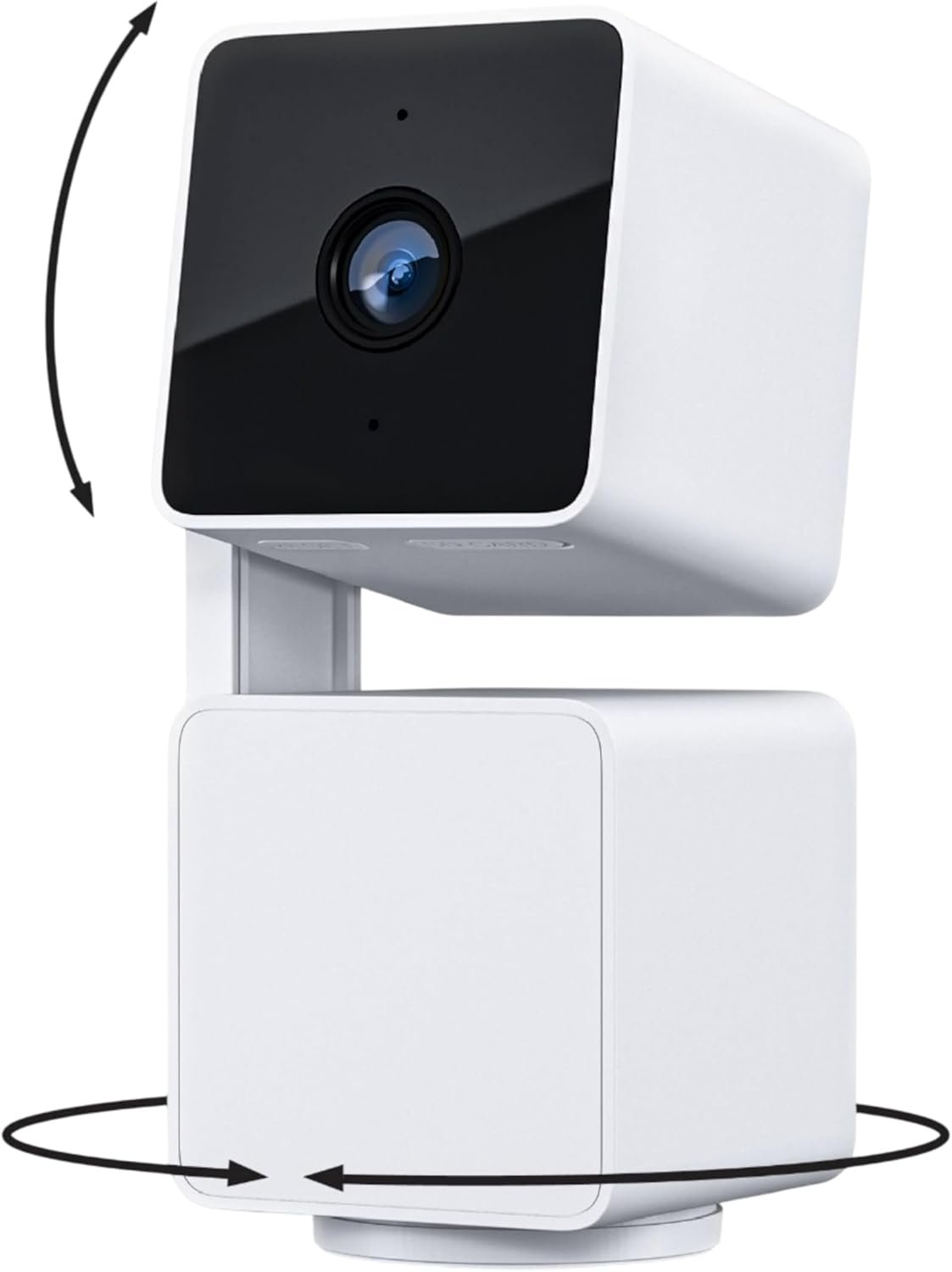
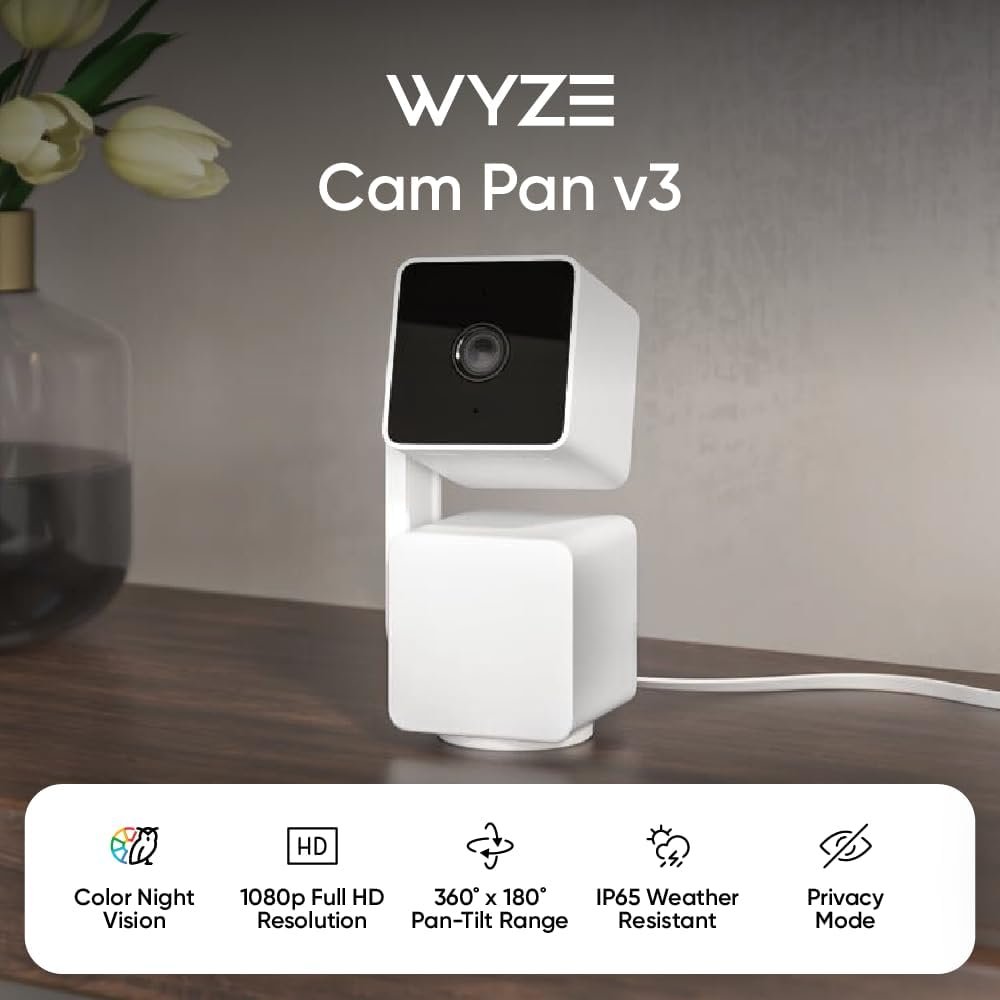
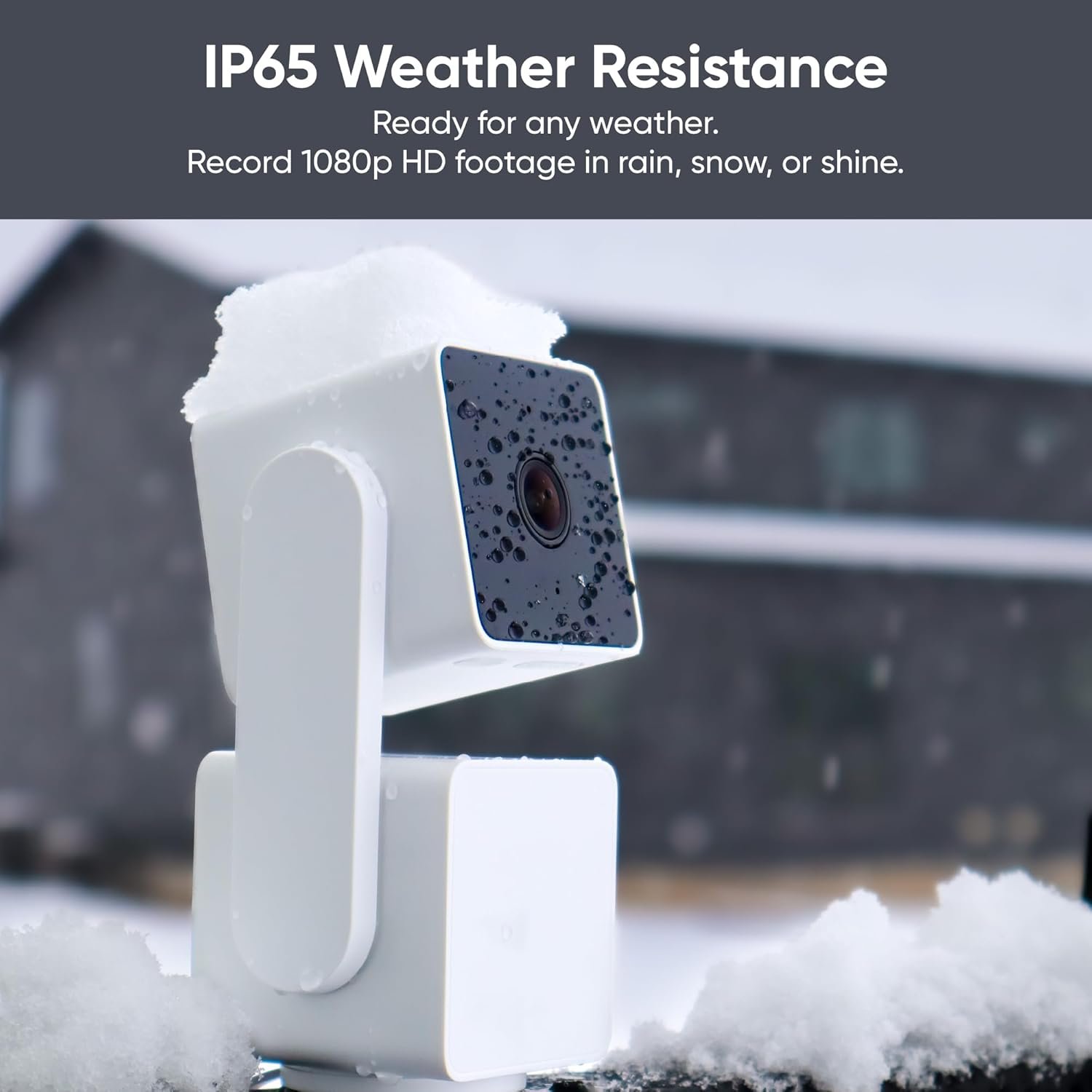
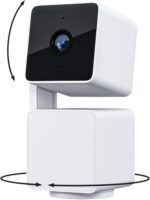
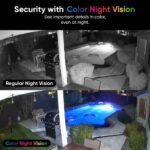
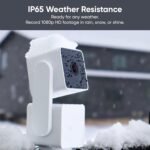
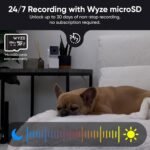
WYZE Cam Pan v3, Indoor/Outdoor IP65-Rated 1080p Pan/Tilt/Zoom Wi-Fi Smart Home Security Camera with Color Night Vision, 2-Way Audio, Compatible with Alexa & Google Assistant, Free Expert Setup
Original price was: $39.98.$37.18Current price is: $37.18.


ExtraTrstl –
Incredible function and performance for the cost
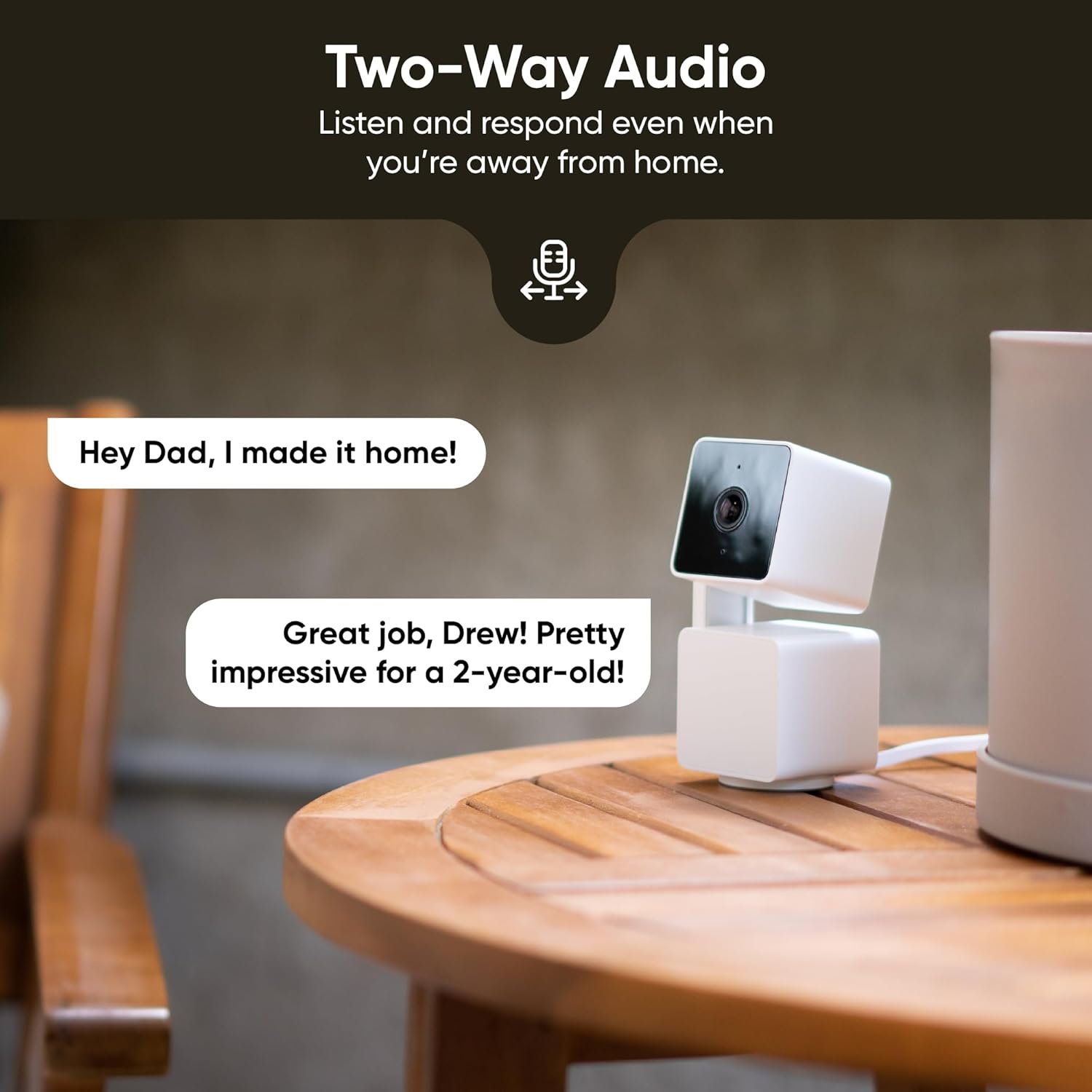
Bought two Wyze cameras – this one and the stationary cam v4. The tilt on this one is nice but I honestly keep it stationary most of the time so prefer the higher-quality stationary ones, but my use case is also on-demand monitoring and the space is small enough that the camera doesn’t need to move. So if you’ve got other needs – security or a large space, this is likely a great choice. Just know that 1080 quality does start to look a little underwhelming over distance.Gonna copy/paste what I said about the other camera:The two-way communication is actually pretty awesome – for as small as it is the camera’s mic pics up decent audio. I did find that if you’re on the monitoring end and want to speak through the camera you should do so slowly and deliberately as it takes a half-second for the speaker on the camera to kick on and broadcast; it cuts you off a little so just make sure you enunciate. Night mode is neat but I never use it.I use this for on-demand monitoring rather than 24/7 security so I had to look up how to disable certain things (motion tracking boxes, automatic light/alarm, etc.) but all were, blessedly, able to be disabled. Other reviews said those settings sometimes mysteriously come back on but I haven’t experienced it, but had this operational for only about 20 days now.Having had this installed for over two week I’ve had none of the problems others spoke about. App is surprisingly functional and stable. I wish there were a “refresh” button in it as I had to close it out and re-open a couple of times to catch up to a live feed, but other than that no big deal.I will say they REALLY like to push notifications, access to your device, and upsell their cloud service. You can always hit no, but the popups are recurrent – I’ve had several in the ~20 days of use so far, so likely every few days you’ll be asked if you’re *REALLY* sure you don’t want to buy online storage.Cameras haven’t disconnected at all. Again, had to restart the app a few times but they were never unavailable to me. Unless I got lucky with these units I’m guessing they ironed out the problems people were having and/or the issues folks experience are because the cameras are on the periphery of WiFi – these do take a lot of data and so a strong, consistent signal is necessary.If you’re monitoring these remotely on cell signal, know you’ll need a good 5G signal to get an uninterrupted live feed. If you’re low on bars or busted down to LTE you’ll get some chop, maybe serious chop, depending on how hairy your connection is. These are essentially like streaming Netflix so again strong, consistent data is key if you want a truly live monitor.All in all, for the price, I’m honestly blown away. They have to be making near-zero on the hardware and using cloud subscriptions to subsidize selling the units, which would explain the constant badgering to sign up. But in the end that just means I get a really serviceable entry-level camera for the cost of a nice lunch.
Nick –
Pretty good little camera.
This review is comparing to SimpliSafe basic cameras. We use the cameras for our dog during the day.This camera is quite impressive for the price. Picture quality is excellent, and the motors are quiet when moving around, so they do not disturb or wake our dog. It was easy to set up: download the app, plug it in, scan the QR, follow the instructions, and voila! It is a lot smarter than what we’re used to, so it required a little learning, but overall, it’s a really nice little camera. We don’t need to record, but a friend told us you can get a high GB SD card, so it can easily record and store your videos if required. Also, it is nice to be able to control the camera to turn to where we want to see, AND unlike SimpliSafe cameras, it hasn’t disconnected randomly if we wanted to monitor for a long period. That was one of the pet peeves about SimpliSafe.Highly recommended for home monitoring. Definitely will be switching out SimpliSafe cameras to this.
yohandris –
Great Smart Security Camera for Home
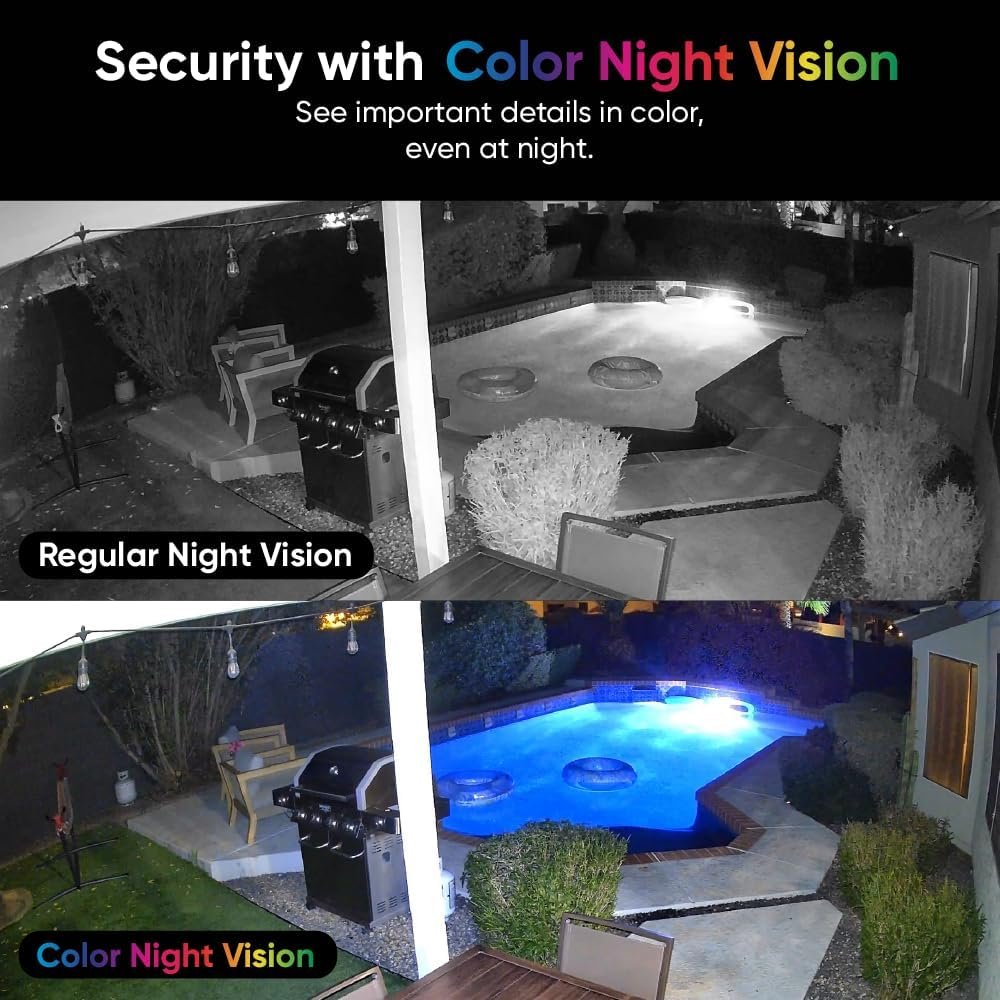
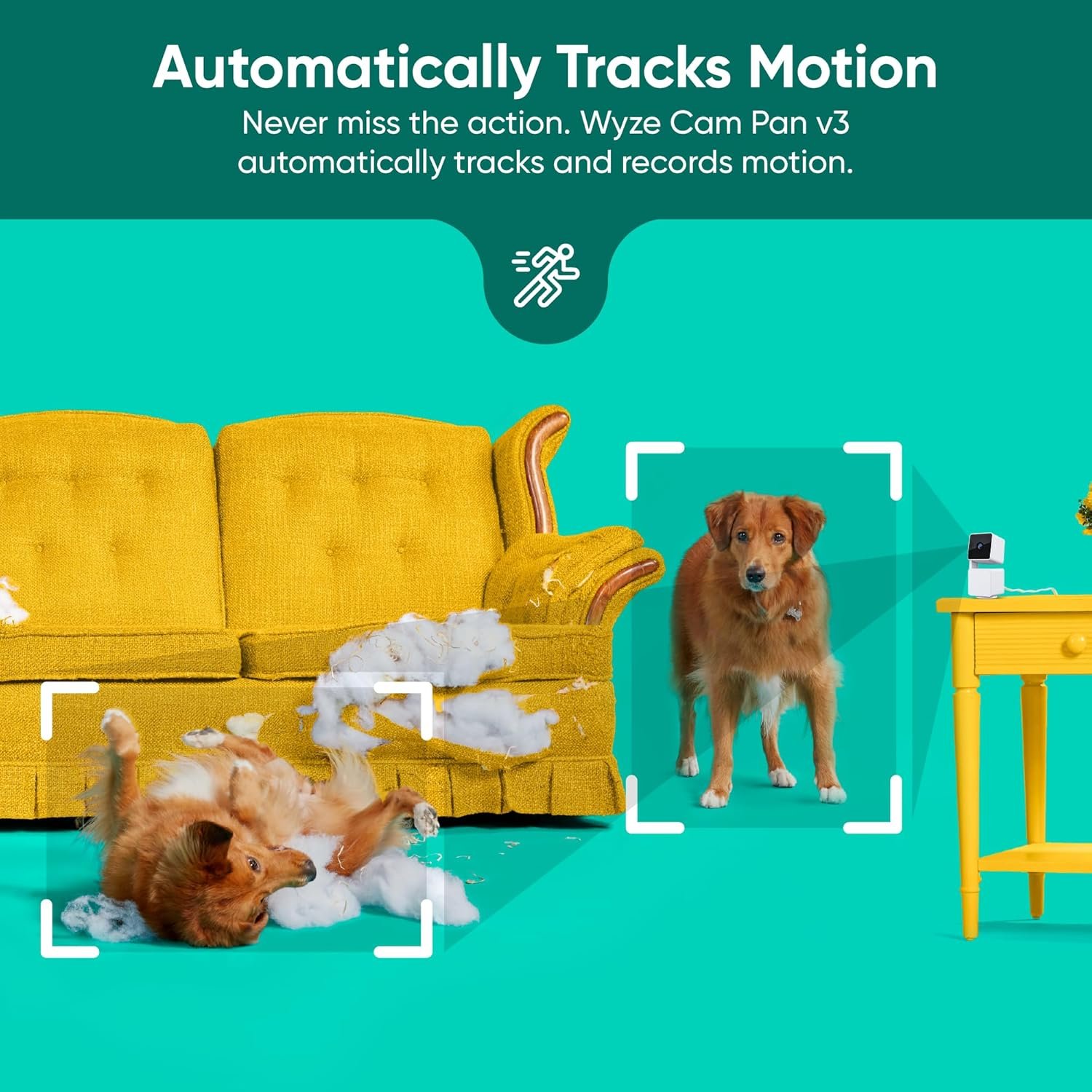
It is an excellent choice for home security. The video quality is sharp, even at night thanks to the color night vision. The pan and motion tracking features work smoothly. The app is user-friendly and allows live viewing from your phone. Highly recommended for its features and affordability.
dkotagi –
Fantastic as a basic camera. Requires subscription for advanced features.
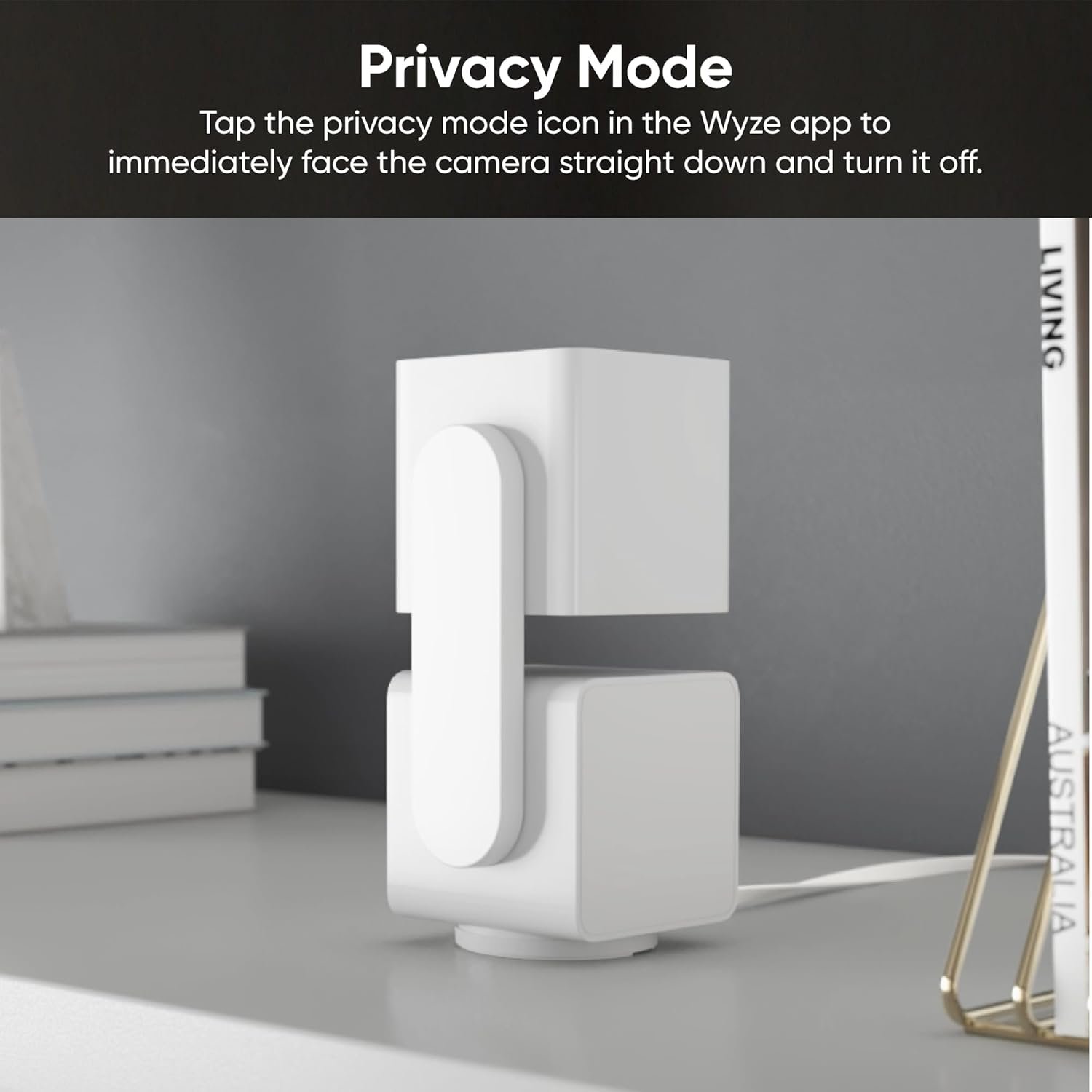
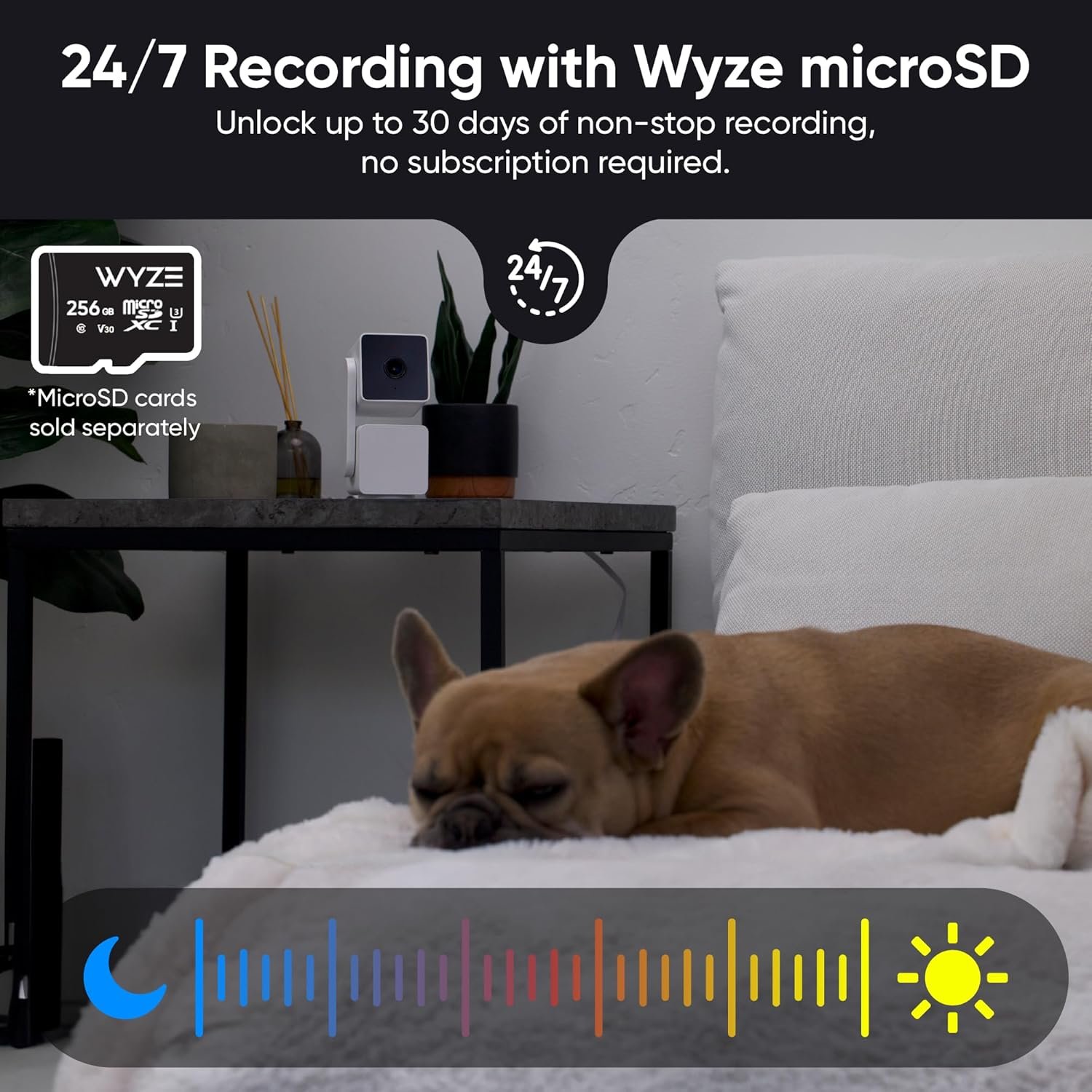
I brought it the day it went live on Amazon; and was surprised to see this model is selling for less than the V2 version. Let me see if this will be the 1st review 🙂 For the price this is an excellent basic camera.Aesthetics: this looks very cool. Two small white boxes connected via a side stick. They send some stickers you can put on the base. It does not look like a camera when in privacy mode.Installation: I was up an running in less than 10 minutes. Most of the time was to download the app and do a firmware upgrade. Plug it in, install app and follow directions. This is the easiest camera setup I have seen.The down side is it requires a 2.4gh network; I do have some old devices so had previously enabled it. If not you have to do that on your wife router as it is turned off by default on the newer routers. One minor quirk is during the setup if asks you to scan a QR code in app using the camera. Just hold your phone at least 6-7inches away from the camera to scan. It will not scan if you are closer.It notified that there was a newer version that took a few minutes to update and I was done with setup.Functioning: Very impressed with the clarity of videos. This can be mounted outdoors (but requires a SD card cover and a separate (water proofed )power that is yet to available for purchase. The power cable is a micro SD (wish they had gone with USB-C) that attaches to the camera; with other end of cable being a USB female.* It rotates 360 degrees horizontally and 180 degrees vertically. However the vertical range is more like 150 degrees. The base of the camera begins to cut (obstruct) the picture beyond 150 degrees (see my third picture)* Two way voice is loud and crisp.* Motion detection and tracking works great.* * Local SD card slot to record video/audio. supports up-to 256 GB.* you can take photos of camera from the app that will save to your phone.* It also has a siren that you can turn on using app and it is relatively loud.*added a night shot of same area and you can see difference. The camera does not have any light, but uses infrared and image is pretty good. This is taken during with all lights off with blinds closed (i.e., nothing is visible to naked eye.)*Added it to Amazon Alexa, but cant seem to control anything using voice. But can also view feed on the Alexa app, with limited functionality. Alexa could not put camera to privacy mode or turn it on.Privacy Mode: this requires a special mention. On most other cameras you need to put a towel over it or unplug cameras completely. This is a fantastic feature, which when enabled, turns the camera 180 degrees down and voice is muted too. Many times I forget to turn on the cameras before I leave and this solves the problem as it can be kept on all the time, just put it in privacy mode when not in use.But one quirk to this is camera still displays the last picture/frame. I wish it would go dark or to a white screen. Wyze, can you please fix this in a firmware update. I don’t want to display the last image camera was looking when put into privacy mode.This is where all the good (read free) stuff ends. This is when it dawned on me as to why they sell it at such a competitive price.* Recording to cloud and getting alerts requires $20 annual subscription (cam plus). Not sure how much storage you will get. There is no option for you to change cloud storage to something you already own (like box or google drive)* for $4 a month you can get professional monitoring, i.e.., someone at Wyze will monitor your camera and alert your or police if an intrusion is detected. May be useful when you are away for extended periods of time.* There are other perks you get when you subscribe to Cam-Plus; since I don’t plan on subscribing I did not investigate further.For me this solves the purpose as I need a camera to keep an eye on the sink that sometimes backups up and overflows. Whish they let would let you configure your own cloud storage options, but that is not their business model. However this is still a buy recommendation from me. You will not be disappointed.
José Antonio Gomezpezuela –
Buenas camaras, buen audio y fácil de instalar
SZ –
Easy to set up. Good quality
Javed Mandary –
Wyze pan tilt v3 came but is not powering despite trying all kinds of different connections
Cristian –
The cameras are great — small, compact, and easy to use. They feel well-built, made from what seems to be high-quality materials, and come with features that exceeded my expectations. Mounting is simple and hassle-free, even though is not including a mounting sticker for the bracket.The Pan Cam V3 is not upgraded version and does not supports 5G WiFi, only 2.4 which is a big downside because many routers are combining the 5G with 2.4 and this camera will not connect to a combined network . It’s user-friendly and performs well overall. However, there are a couple of downsides on the hardware side: the motor isn’t super smooth, and there’s occasional lag in communication with the app. When manually controlling the camera via the app, it moves in steps rather than smoothly. That said, auto-tracking is very smooth and works well.The sensitivity for motion and sound detection is adjustable.Now, while I’m really satisfied with the product itself, I’m not happy with the service and the way the subscription plans are set up.There are only two paid subscription options if you want to actually use most of the features. The free tier gives you virtually no benefits — just snapshots of events and basic live view functionality.The Cam Plus plan (about CAD $24/year) only covers one camera per account, which I find quite limiting. If you have 2, 3, or more cameras, you need to pay for a separate plan for each, which in my opinion is not worth it.The other option is Cam Unlimited, which costs nearly CAD $200/year. This one allows you to connect unlimited cameras and access all features.In my opinion, the Cam Plus plan should at least support up to 5 cameras and unlock more features — maybe not all, but certainly more than what’s currently offered.In short:I really like the product itself, but I’m disappointed with the app and the paywall system behind it. Great hardware, poor software/service experience.
CRVO –
Resumen 2024.01.01: Excelente camara con funciones varias sin pagar.Compre 2 camaras (para empezar). Me interesaba el “360”.Las camaras vienen bien protegidas. Trae camara, cable, cuadro de energia (5V 2A), manual, chilillos de montaje, base para montar en pared/techo.De inicio cuando las conectas se mueven, bajas la aplicacion y fueron faciles de instalar y usarlas. Por defecto tiene activado el “Track Motion”. Le puse una memoria de 64GB. La app es facil de usar y entender. La camara se ve de buen material, se ve bien hecha y resistente.La calidad de grabacion es decentemente buena, puedes cambiar a 360 o 720.Los movimientos al girar la camara son suaves, puedes ver las grabaciones facilmente, acceder a ella rapidamente, grabar videos o fotos, puedes darle zoom, poner zonas de grabacion, configurar horarios, eventos, soporta IFTTT, eventos por geolocalizacion (al parecer solo USA y Canada) y otras. Las funciones avanzadas las desconozco, ya que son de paga y basicamente son: guardar en la.nube, sensores de reconocimiento avanzado, acceder por la pagina web de Wyze y otras que no.recuerdo.Las voy a poner en el exterior y te sugieren (obligado) comprar un adaptador para exterior. Si tienes conocimientos basicos puedes hacer tu propia “caja” para poner el cuadro de energia cerca de la camara.Finalmente, soportan el protocolo RTSP, el cual te permite usarlo con aplicaciones de 3ros, NVR y/o Home Assistant, incluso como camara web. Solo que lei que aun no sale.un firmware para este modelo, seguire leyendo e investigando.2024.01.11.Con una memoria de 64GB graba aproximadamente 5 a 11 dias.La exterior tiene 5 diasLa interior tiene 11 diasAmbas configuradas de la misma manera (HD, grabacion continua, sonido, eventos, vision nocturna).Supongo la diferencia principal es que con luz graba a 20FPS, y en modo nocturno graba a 15FPS, asi que la interior casi siempre tiene menos luz.2025.04.20.Ya tengo 8 de ellas. 6 instaladas, 4 color blanco y 4 color negro. 5 en el exterior y 1 en el interior. Las funciones gratuitas son mas que suficiente para usarlas. Estan configuradas todas para grabar 24/7, tienen el firmware mas actual y andan muy bien las 6. Como mencione anteriormente, les hice “adaptaciones” para ponerlas en el exterior ya que no quize gastar mas y comprar el “adaptador original para exterior”. Las tengo compartidas con otro usuario y ademas las uso con Alexa Echo Show 5, solo se pueden ver 2 al mismo tiempo. A las exteriores les ha pegado sol directo de mas de 37º, lluvias ligeras y fuertes, aires fuertes, polvo constante, tela de araña y quien sabe que mas y andan bien. Sigo recomendandolas.